GL-01PC GAMING22 October 20266 MIN
Buying a Graphics Card Without Overpaying
A graphics card is only worth buying against a specific screen and a specific game list. Everything else is marketing.
Start from the monitor resolution and refresh rate, because they set the performance target. Check the power supply wattage and the connectors before buying a larger card. Start with the resolution and frame rate you actually play at, because every part is chosen around that target.
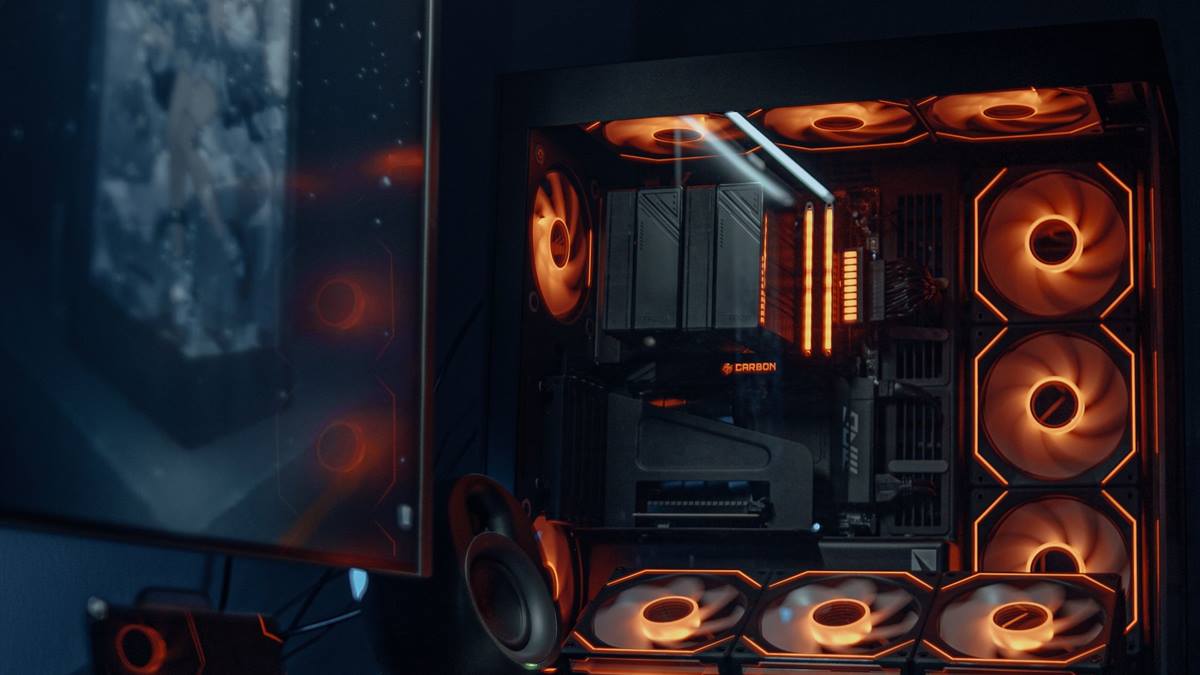
Match the hardware to the screen
Measure the case clearance, since modern cards are longer and thicker than older ones. Compare benchmarks for the games you actually play, not for a single synthetic test. A balanced machine beats one expensive component surrounded by bottlenecks.
Fix the part that limits you
Look at the memory capacity, which matters more at higher resolutions and with heavy textures. Wait a few weeks after a launch if possible, because early prices are inflated. Heat and power delivery decide whether the advertised performance shows up after twenty minutes.
Before opening the case, note the current specification: processor, graphics card, memory, storage, and power supply. Most upgrade plans fail because one of those parts was assumed rather than checked. Run a benchmark you can repeat, write the result down, and change one component at a time. A cheaper part that removes the actual bottleneck is worth more than an expensive part that does not. Buy from a retailer with a clear return policy, and confirm that the part fits the case, the cooler, and the power connectors before the order ships.
Check the warranty and the retailer reputation, not just the price. Benchmark one change at a time, so you know which part made the difference.
Check before you buy
- Match the card to the monitor
- Check the power supply
- Measure the case clearance
- Compare benchmarks for your games
Watch heat and power
Consider a previous generation card if the price difference is large. Avoid buying for ray tracing alone unless the games you play use it well. Most upgrade disappointment comes from replacing the wrong component, not from buying a bad one.
Check the cooling design, because a card that throttles is slower than its specification. Verify the card fits the motherboard slot and the case airflow.
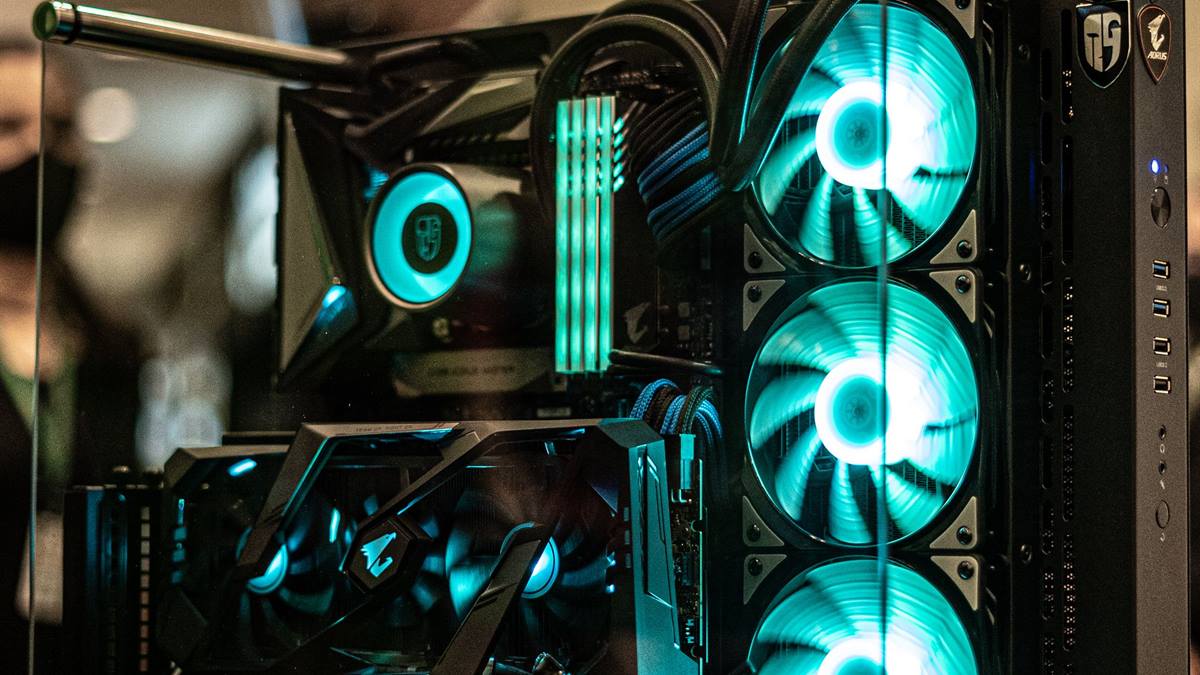
Measure before you upgrade
Look at the used market carefully, especially for cards used in mining. Check whether the card needs a newer power connector and whether the supply has it. Write the current specification down before shopping, because memory is generous about old hardware.
If performance still disappoints, look at the settings before the hardware. Resolution, anti-aliasing, and shadow quality usually cost more frames than any single component can recover. Test a lower setting for one session and note the difference, then decide whether the upgrade is still justified. Keep the receipts and the boxes until the new part has run for a week without problems. If a new part causes instability, restore the old one and test again, because a faulty component can look like a settings problem.
Buy the card that solves your current bottleneck, not the one that wins an argument online. Keep the receipt and the box for the warranty period. A sensible card at the right resolution beats a flagship that the rest of the machine cannot feed. If you want the wider picture, read SSDs for Games: What Actually Matters before you decide.
For the underlying guidance, see the PC Gamer hardware guides.
GL / FAQ
Frequently Asked Questions
How much should I spend on a graphics card?
Enough to hit your monitor target in the games you play. Spending more without a matching screen or processor is wasted.
Do I need to upgrade my power supply?
Often yes for a larger card. Check the wattage, the connectors, and the age of the unit.
Is a used graphics card worth it?
Sometimes, if you can test it and the price reflects the risk. Avoid cards with a history of mining.
How long should a graphics card last?
Three to five years for high settings, longer if you accept lower settings over time.