GL-01PC GAMING15 October 20266 MIN
SSDs for Games: What Actually Matters
Game load times improve with any SSD. Beyond that, capacity and reliability matter more than the number on the box.
Any SSD is a large improvement over a hard drive for game load times. NVMe drives are faster on paper, but most games do not use the extra bandwidth. Start with the resolution and frame rate you actually play at, because every part is chosen around that target.
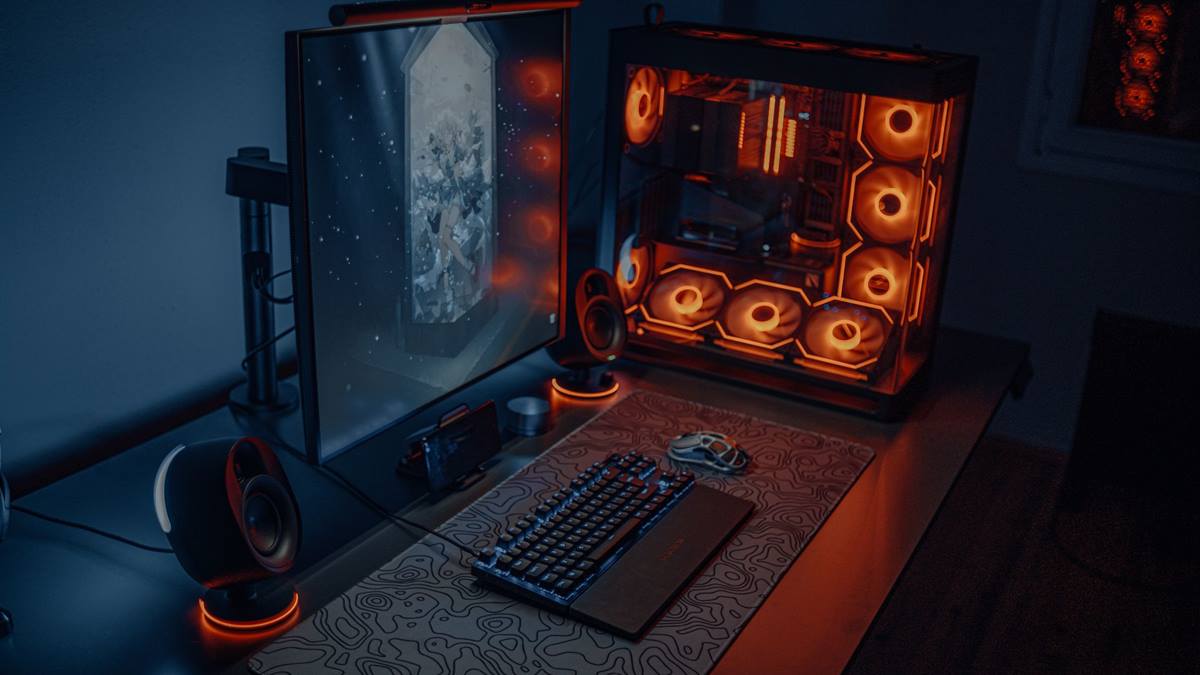
Match the hardware to the screen
Capacity matters more than speed, because modern games are large and drives slow down when nearly full. Leave at least fifteen percent of the drive free so it can manage writes efficiently. A balanced machine beats one expensive component surrounded by bottlenecks.
Fix the part that limits you
Check whether the motherboard supports the drive type and the length. A DRAM cache helps sustained writes, though it matters less for game loading than for large file transfers. Heat and power delivery decide whether the advertised performance shows up after twenty minutes.
Before opening the case, note the current specification: processor, graphics card, memory, storage, and power supply. Most upgrade plans fail because one of those parts was assumed rather than checked. Run a benchmark you can repeat, write the result down, and change one component at a time. A cheaper part that removes the actual bottleneck is worth more than an expensive part that does not. Buy from a retailer with a clear return policy, and confirm that the part fits the case, the cooler, and the power connectors before the order ships.
Avoid the cheapest drives with unknown controllers if the data matters. Benchmark one change at a time, so you know which part made the difference.
Check before you buy
- Capacity before speed
- Keep 15 percent free
- Check the slot and length
- Use a heatsink for fast NVMe
Watch heat and power
Check the warranty endurance rating for drives that will hold many large games. A second drive for games keeps the system drive clean and easier to back up. Most upgrade disappointment comes from replacing the wrong component, not from buying a bad one.
DirectStorage features depend on the drive, the operating system, and the game, so do not buy only for them. Heat can throttle fast NVMe drives, so check whether the motherboard has a heatsink.
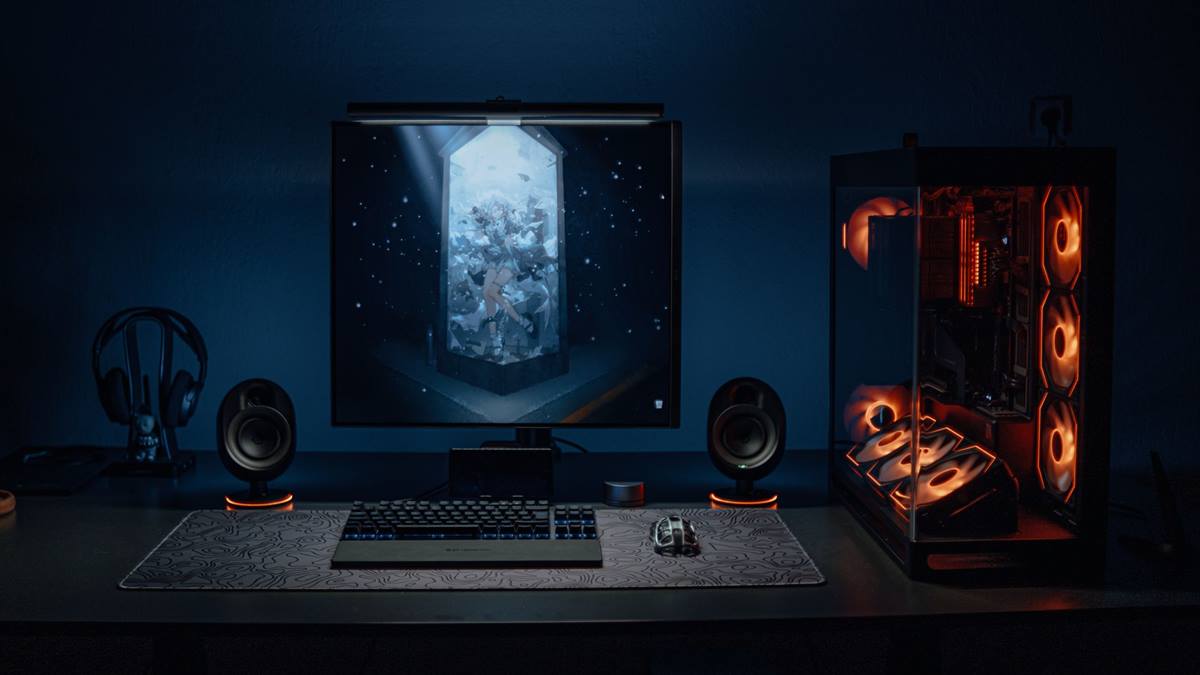
Measure before you upgrade
External USB drives are fine for storage, but not for games that stream data constantly. Migrate the system before filling the new drive, so the upgrade is reversible. Write the current specification down before shopping, because memory is generous about old hardware.
If performance still disappoints, look at the settings before the hardware. Resolution, anti-aliasing, and shadow quality usually cost more frames than any single component can recover. Test a lower setting for one session and note the difference, then decide whether the upgrade is still justified. Keep the receipts and the boxes until the new part has run for a week without problems. If a new part causes instability, restore the old one and test again, because a faulty component can look like a settings problem.
Benchmark the load time of one game before and after, rather than trusting the specification. Keep the old drive as a backup target. The right drive is big enough, reliable, and fits the slot. If you want the wider picture, read PC Case Airflow: The Cheapest Performance Fix before you decide.
For the underlying guidance, see the PC Gamer hardware guides.
GL / FAQ
Frequently Asked Questions
Does NVMe improve game performance?
Mostly load times, and only slightly over SATA for many games. Frame rates are usually unchanged.
How much SSD space do I need for games?
At least one terabyte for a modern library, more if you keep several large games installed.
Can I game from an external SSD?
Yes, but internal drives are faster and more reliable for games that stream data.
Do SSDs slow down when full?
Yes. Keeping around fifteen percent free helps maintain performance.