GL-01PC GAMING10 September 20267 MIN
Gaming PC Upgrade Order: What to Replace First
Upgrading by feel is expensive. Measure what is actually limiting the frame rate, then replace the part that changes the number you care about.
An upgrade only makes sense if it changes something you can feel. Before buying anything, find the part that is actually limiting the frame rate. That is a measurement question, not a brand question, and the answer decides whether a graphics card, a processor, or a drive is the honest purchase.
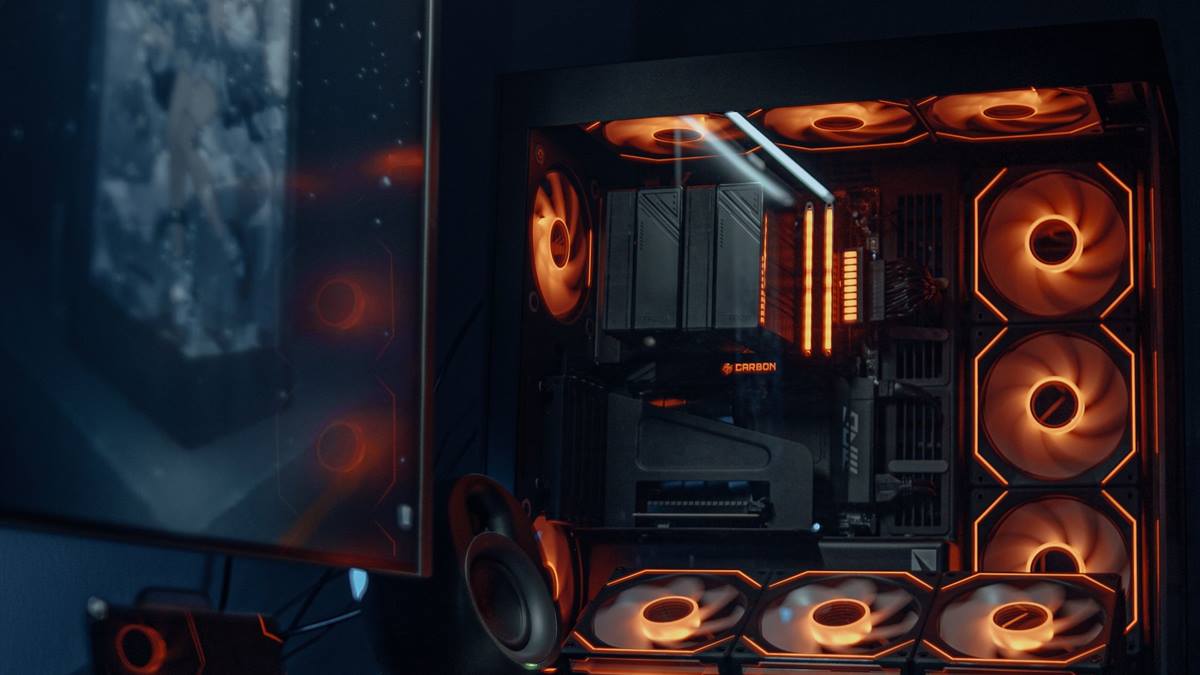
Measure before you replace
Run the games you actually play and watch two numbers: graphics card usage and processor usage per core. If the graphics card sits near one hundred percent while the processor idles, the card is the limit. If one or two processor cores peg while the card sits below full load, the processor is the limit.
Watch frame time rather than average frame rate. Averages hide stutter, and stutter is what most people describe as "feels bad". A frame time graph shows the spikes that an average smooths away.
Graphics card: the usual answer
In most systems, the graphics card is the upgrade that changes the experience most per unit of money. It raises the ceiling at every resolution and takes pressure off the processor at high settings. Check power connectors and case clearance first, and confirm the supply can carry the new card.
Do not pair a very fast card with an old four-core processor and expect smooth high refresh play. The card will finish frames faster than the processor can feed it, and the result is stutter, not speed.
Processor: only when the cores are pegged
- Processor upgrades often need a new motherboard and memory, so treat them as a platform change.
- Check the socket and firmware support before buying a drop-in chip.
- High refresh 1080p benefits most from a faster processor.
- Streaming and heavy background work benefit from more cores.
- A cheap cooler may need replacing with the processor.
Storage and memory: the quiet wins
Moving the system and games from a hard drive to an NVMe solid state drive shortens load times and removes a common source of stutter in open-world games. This is one of the cheapest upgrades with an obvious result.
Memory matters when the system runs out. Check actual usage during play: if the machine is near its limit, adding matched memory helps. If there is plenty free, a faster kit changes very little. Enable the rated memory profile in the firmware either way.
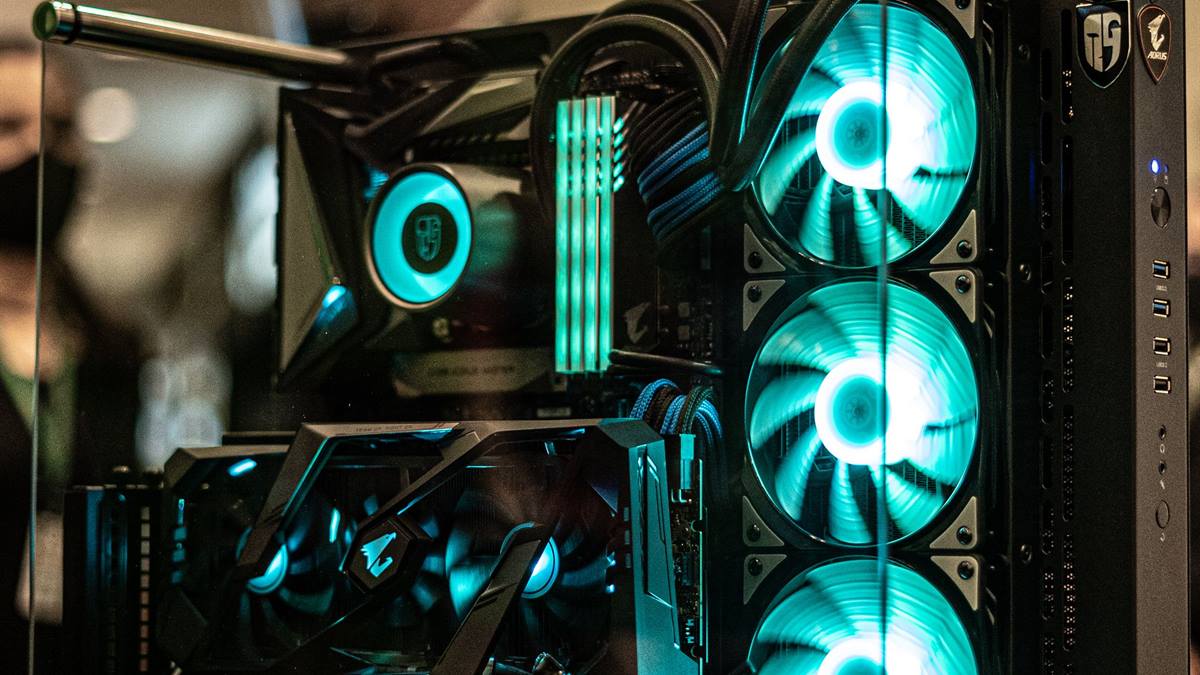
Upgrades that waste money
Faster memory with no capacity problem, a second graphics card in a consumer platform, and a case with more lights than airflow are common examples. So is a power supply bought only for wattage without checking the rating of the twelve-volt rail.
Also be sceptical of upgrades driven by a single benchmark video. A card that wins at one resolution can lose at another, and a processor that wins in one title can fall behind in a game that uses more threads.
A sane order of operations
Start with the storage if the system still boots from a hard drive. Then the graphics card if the target is visual quality or resolution. Then the processor and platform if the target is high refresh. Memory sits in the middle, driven by actual usage. The TechPowerUp GPU database is a useful reference for comparing specifications before you shop.
If you are deciding whether to upgrade or build fresh, the guide to budget gaming PC builds explains how to set targets and where the money actually goes.
GL / FAQ
Frequently Asked Questions
Should I upgrade the GPU or CPU first?
Measure usage first. If the graphics card is near full load, upgrade the card. If processor cores are pegged while the card is not, the processor is the limit. Most gaming systems benefit from a GPU upgrade first.
Does a faster SSD improve frame rate?
It usually improves load times and can reduce stutter caused by streaming assets, especially compared with a hard drive. It does not raise the peak frame rate much once a game is running.
Will a new GPU work with my old power supply?
Check the card power connectors, total wattage, and the rating of the twelve-volt rail. A quality supply with headroom is required; a no-name unit at the wattage limit is a risk.
Is it worth upgrading an old platform?
If a new processor needs a new motherboard and memory, compare the total cost with a fresh build. Sometimes a used graphics card is the better value on an older platform.