GL-01PC GAMING6 August 20265 MIN
Why Games Take So Much Space, and What to Do
Game installs grow because of high-resolution textures and audio. Planning the drive matters more than buying a bigger one.
Modern games are large because of high-resolution textures and uncompressed audio. Keep the system drive for the operating system and one or two favourite games. Start with the resolution and frame rate you actually play at, because every part is chosen around that target.
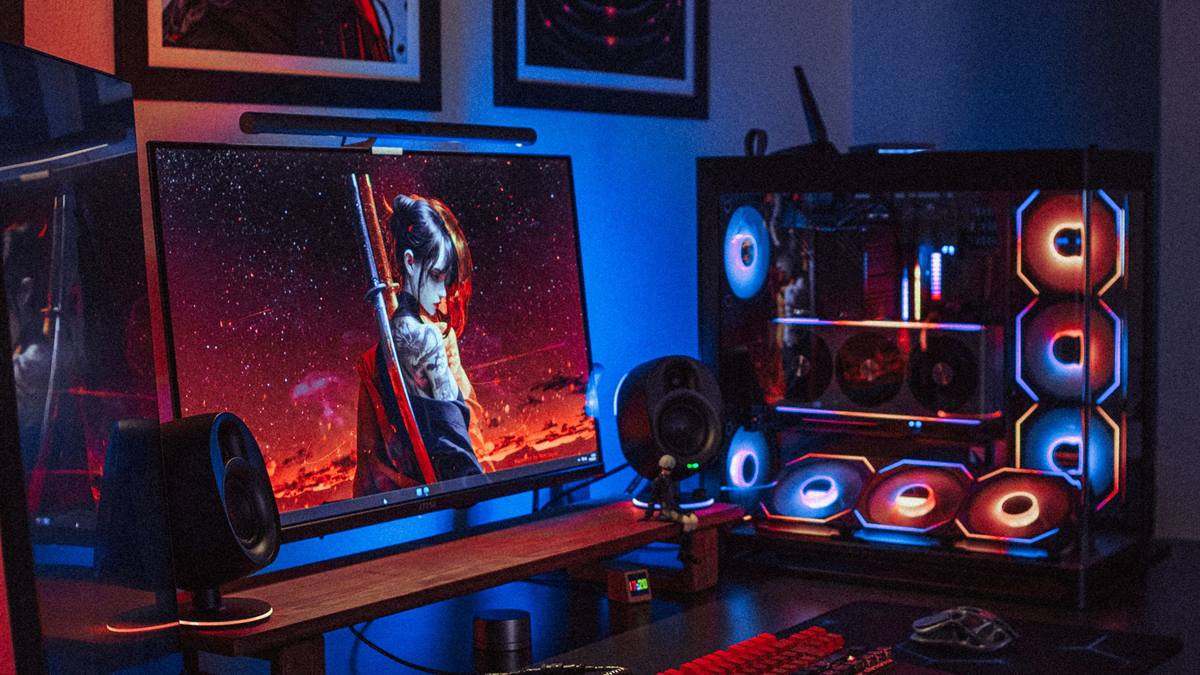
Match the hardware to the screen
Use a second drive for the rest of the library, which also makes backups simpler. Remove games you have finished rather than keeping them for a future replay. A balanced machine beats one expensive component surrounded by bottlenecks.
Fix the part that limits you
Leave free space for updates, which can require the size of the game again temporarily. Check whether the platform supports selective installs for campaign and multiplayer. Heat and power delivery decide whether the advertised performance shows up after twenty minutes.
Before opening the case, note the current specification: processor, graphics card, memory, storage, and power supply. Most upgrade plans fail because one of those parts was assumed rather than checked. Run a benchmark you can repeat, write the result down, and change one component at a time. A cheaper part that removes the actual bottleneck is worth more than an expensive part that does not. Buy from a retailer with a clear return policy, and confirm that the part fits the case, the cooler, and the power connectors before the order ships.
Compress the install only where the game supports it, as some titles lose performance. Benchmark one change at a time, so you know which part made the difference.
Check before you buy
- Keep the system drive lean
- Remove finished games
- Leave space for updates
- Back up saves separately
Watch heat and power
Move games between drives rather than reinstalling, where the launcher allows it. Check the actual folder size, which is often larger than the store listing. Most upgrade disappointment comes from replacing the wrong component, not from buying a bad one.
Keep save files backed up separately, so removing a game does not lose progress. Use the library filters to find games you have not played in months.
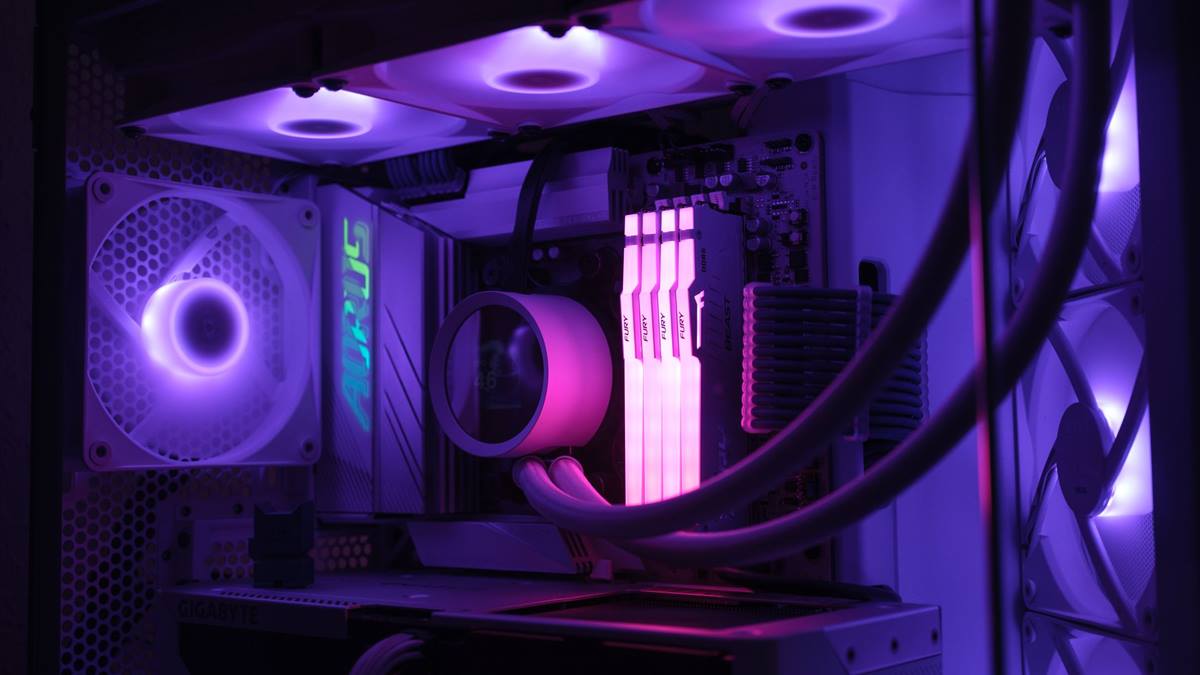
Measure before you upgrade
Avoid buying a new drive before clearing what is already installed. Check the download size versus the installed size before starting. Write the current specification down before shopping, because memory is generous about old hardware.
If performance still disappoints, look at the settings before the hardware. Resolution, anti-aliasing, and shadow quality usually cost more frames than any single component can recover. Test a lower setting for one session and note the difference, then decide whether the upgrade is still justified. Keep the receipts and the boxes until the new part has run for a week without problems. If a new part causes instability, restore the old one and test again, because a faulty component can look like a settings problem.
Keep at least fifteen percent of the drive free for performance and updates. Plan for seasonal updates, which often add several gigabytes. A managed library is cheaper than a bigger drive. If you want the wider picture, read Gaming Laptop or Desktop: The Real Trade-Off before you decide.
For the underlying guidance, see the PC Gamer hardware guides.
GL / FAQ
Frequently Asked Questions
Why are games so large now?
High-resolution textures and uncompressed audio are the main reasons, along with larger worlds.
Can I install part of a game?
Some launchers allow campaign and multiplayer separately. Check the store page or the installer.
Does compressing game files reduce performance?
It can increase load times on some systems. Test one game before applying it broadly.
How much free space should I leave?
About fifteen percent of the drive, so updates and temporary files have room.