GL-03MOBILE GAMING17 September 20265 MIN
Phone Speakers or Headphones for Gaming
Headphones win for detail and voice chat. Speakers win for comfort and awareness of the room.
Headphones give better positional audio, which helps in shooters. Bluetooth headphones add latency, which matters in rhythm and shooter games. The same game behaves differently on different phones, so start from the device rather than the review score.
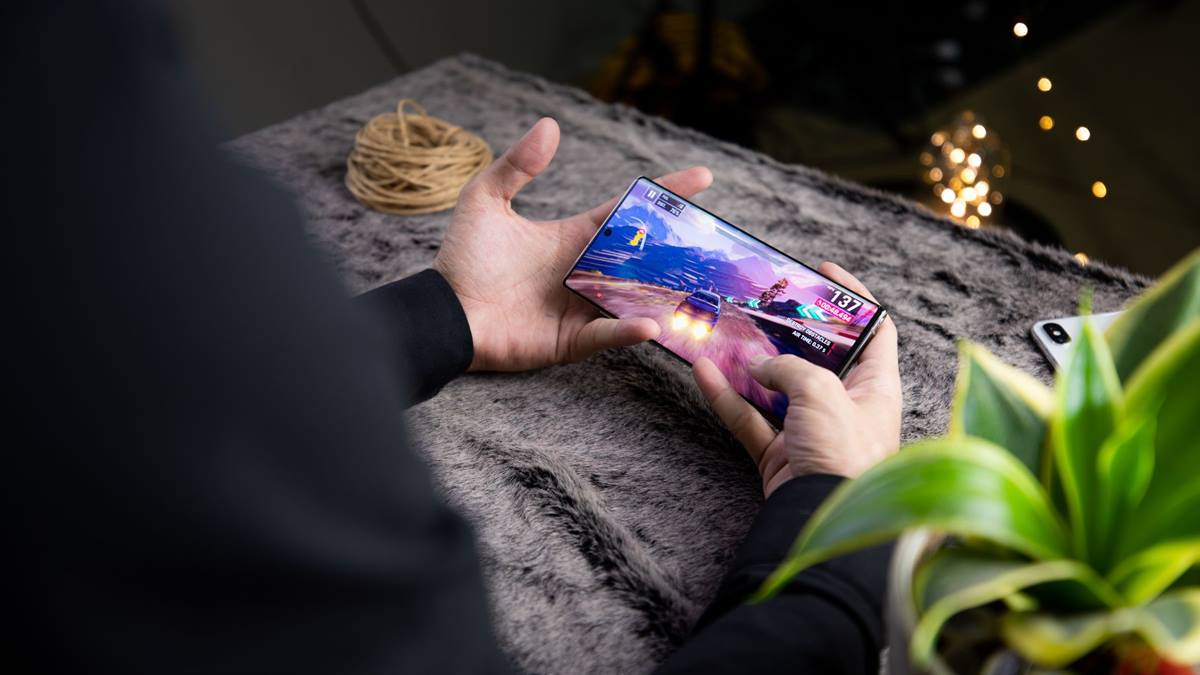
Know what the phone can do
Wired headphones avoid that latency if the phone has a jack or an adapter. Phone speakers are fine for puzzle and casual games. Heat is the main reason a phone slows down after fifteen minutes of play.
Manage heat and battery
Speakers let you hear the room and stay aware of your surroundings. Headphones isolate you, which is good on public transport. Most mobile games are designed around retention, which is why settings and notifications matter.
Before installing another game, check the free storage and the battery health of the phone. Mobile performance problems are usually storage, heat, or background apps rather than a weak processor. Close what you are not using, lower the graphics settings for long sessions, and play with the charger disconnected where possible. A phone that stays cool runs better than one with the settings maxed out. Keep the brightness on automatic outdoors and lower indoors, and note the temperature when a game stutters, because heat explains more than the settings menu.
Voice chat needs a microphone, which most headsets include. A controller or a cooler only helps if the underlying settings are sensible.
Quick settings check
- Headphones for positional audio
- Bluetooth adds latency
- Speakers for awareness
- Keep the volume moderate
Tame the settings and the ads
Check the comfort during long sessions, especially with glasses. Test the audio delay with a rhythm game before relying on Bluetooth. Account linking is the difference between losing progress and recovering it.
Look for a low-latency mode if the headphones support it. Keep the volume moderate to protect your hearing over time.
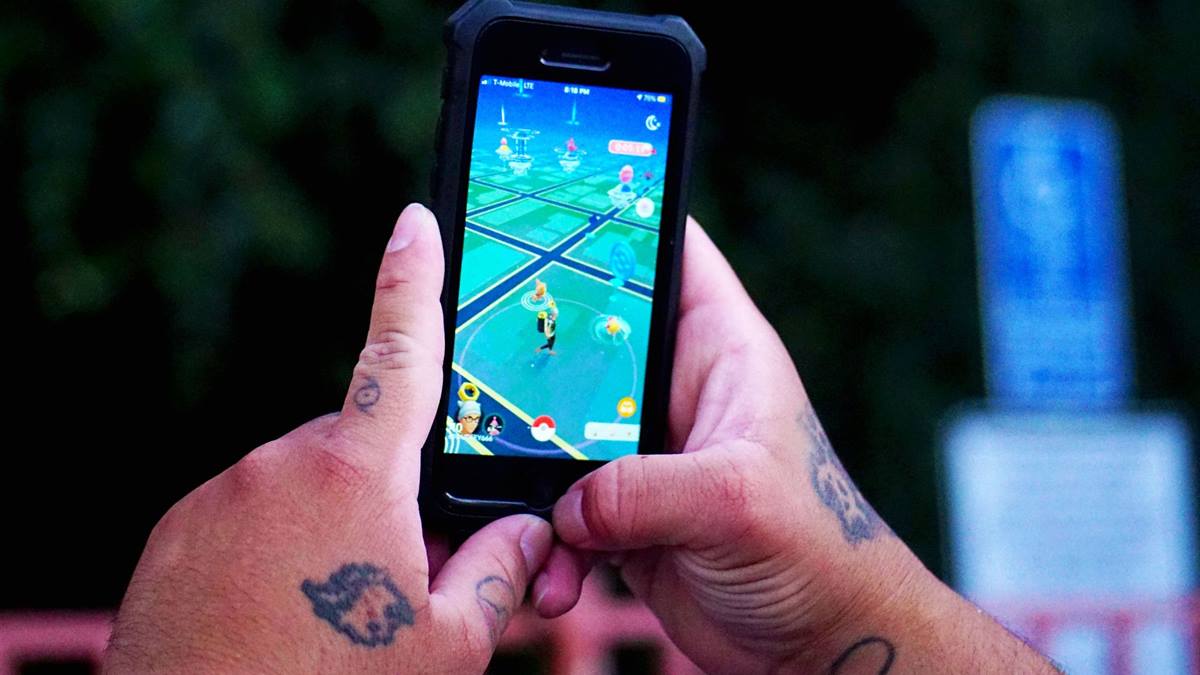
Protect the account and the spending
A headset with a boom microphone improves team communication. Speakers drain the battery faster at high volume. Test one change for a few sessions before adding another accessory.
If you decide to spend, set a limit before opening the store and remove the saved payment method when you are done. Link the game account to a service you control, so progress survives a lost phone. Review the installed games every few months and remove the ones you no longer play, because storage and notifications are the two things that make a phone feel old. A phone treated this way lasts through several years of new releases. If a game asks for permissions it does not need, deny them and check whether it still works, because storage and microphone access are rarely required for play. Take a screenshot of the settings that work, so a reset after an update is quick to undo.
Check whether the game has its own audio settings for headphones. A cheap wired headset often beats an expensive wireless one for gaming. Match the audio to the game and the place you are playing. If you want the wider picture, read Why Mobile Games Drain Battery So Fast before you decide.
For the underlying guidance, see the Android performance guidance.
GL / FAQ
Frequently Asked Questions
Are headphones better for mobile gaming?
Usually yes for detail and voice chat. Speakers are fine for casual games.
Do Bluetooth headphones add lag?
Yes, slight latency. It matters in rhythm and competitive shooter games.
Can I use wired headphones with a phone?
If the phone has a jack or you use an adapter. Wired avoids Bluetooth latency.
What volume is safe?
Keep it moderate and take breaks. Prolonged high volume damages hearing.