GL-03MOBILE GAMING1 October 20266 MIN
Why Mobile Games Drain Battery So Fast
Games drain phones through a few mechanisms that stack: a bright screen, a high frame rate, radios left on, and heat that fights back.
Mobile games run on a device with no fan and a small battery, so every setting has a cost. The drain is not mysterious: a bright screen, a high frame rate, a radio working continuously, and heat that reduces efficiency all stack up. Change the inputs and the drain changes.
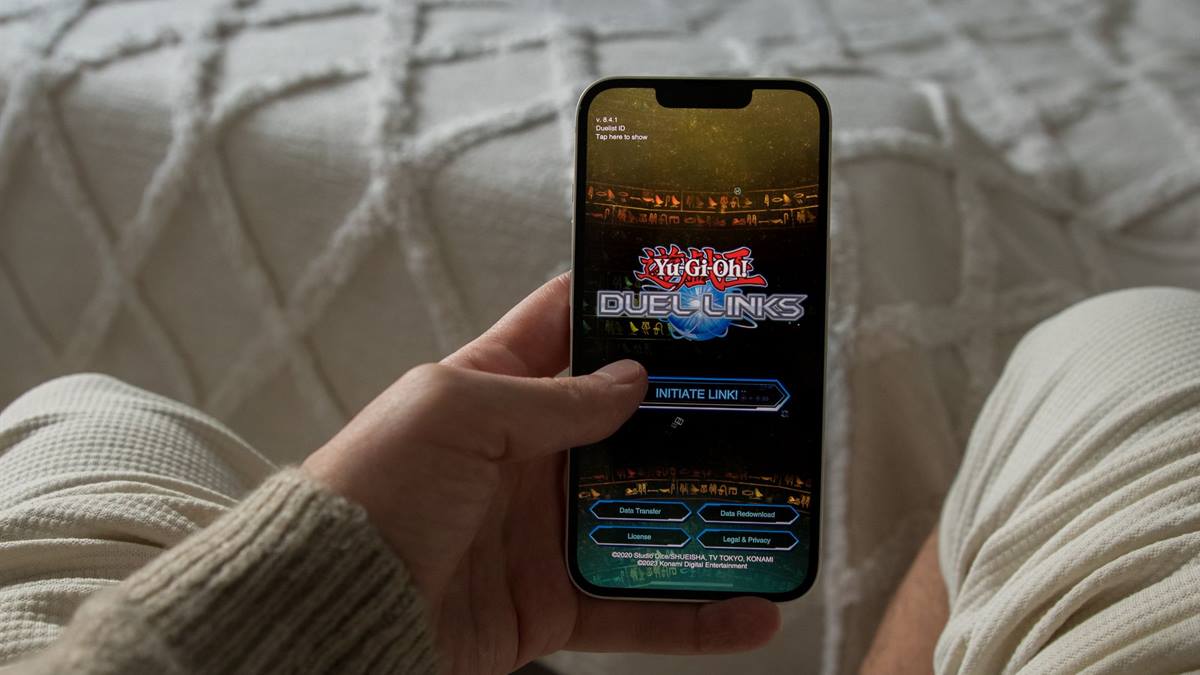
The screen is usually the biggest draw
Display power scales with brightness. Playing at maximum brightness on a large panel can consume more than the game itself. Dropping brightness by a third is often the single largest improvement available, and it costs nothing.
Refresh rate matters too. Some phones run the display at a high refresh rate even when the game is capped lower. Set the display to a lower rate unless the game actually uses the extra frames.
Frame rate and graphics settings
Every frame costs work. Unlocking the frame rate on a demanding title heats the phone, and heat forces the processor to slow down. The result is a phone that runs fast for ten minutes and then stutters for twenty.
A steady, lower frame rate is often smoother to play than an unstable high one. If the game offers a battery saver or balanced mode, test it in the mode you actually play rather than in a tutorial level.
Radios and background polling
- Turn off vibration and haptics; the motor is a small but constant drain.
- Disable Wi-Fi scanning and high-accuracy location while playing.
- Close streaming apps that keep a connection alive.
- Use headphones instead of the speaker.
- Turn off always-on display features during a long session.
Heat is the hidden tax
A phone that is hot charges more slowly and discharges faster. Remove the case for long sessions, avoid direct sun, and avoid resting the phone on bedding that traps heat. If the phone throttles, the game drops frames and the processor works harder to compensate.
Charging while playing adds heat from both the battery and the processor. It is not dangerous in normal use, but it accelerates wear and slows the charge. If you must charge during play, use a lower-power charger and keep the phone cool.
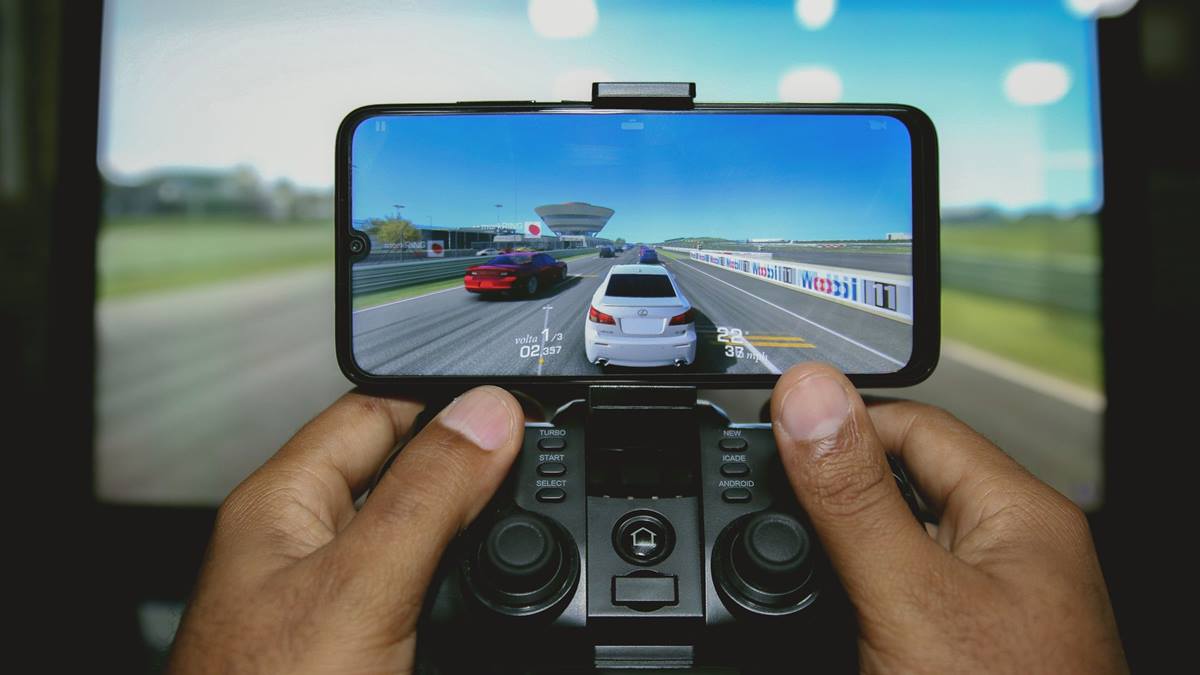
Battery health over time
Batteries lose capacity with age and heat. A phone that used to last four hours of play may last two for reasons no setting can fix. Check battery health in the system settings; a worn battery is a hardware answer to a software question.
Charge between roughly twenty and eighty percent when convenient, avoid leaving the phone at one hundred percent on a charger overnight in a hot room, and use the system's optimised charging feature if it has one.
A realistic session plan
For a long session: lower brightness, pick a stable frame rate, disable vibration, remove the case, and keep a modest charger nearby rather than a fast one. The Android battery guidance covers the system tools that show which apps are drawing power.
If the question is whether a clip-on controller is worth carrying, the guide to mobile game controllers covers the trade-offs.
GL / FAQ
Frequently Asked Questions
Does lowering brightness really help battery life?
Yes, often more than any in-game setting. Display power scales with brightness, and a large bright screen can draw more than the game itself during play.
Is charging while playing bad for the battery?
It adds heat, which accelerates wear and slows charging. It is not dangerous in normal use, but a lower-power charger and a cool phone are better for long sessions.
Why does my game run well then stutter?
Likely thermal throttling. Heat forces the processor to slow down, so frames drop after a few minutes. Lower the graphics settings and remove the case to reduce heat.
Does battery saver mode ruin the game?
It reduces performance and background activity, which can help stability on a hot phone. Test it in real play; some games handle it better than others.