GL-03MOBILE GAMING22 October 20265 MIN
Keep a Phone Cool While Gaming
A hot phone throttles, stutters, and dims the screen. Cooling it is mostly about airflow and not charging mid-game.
Remove the case during long sessions so heat can escape. Keep the phone out of direct sunlight and away from warm surfaces. The same game behaves differently on different phones, so start from the device rather than the review score.
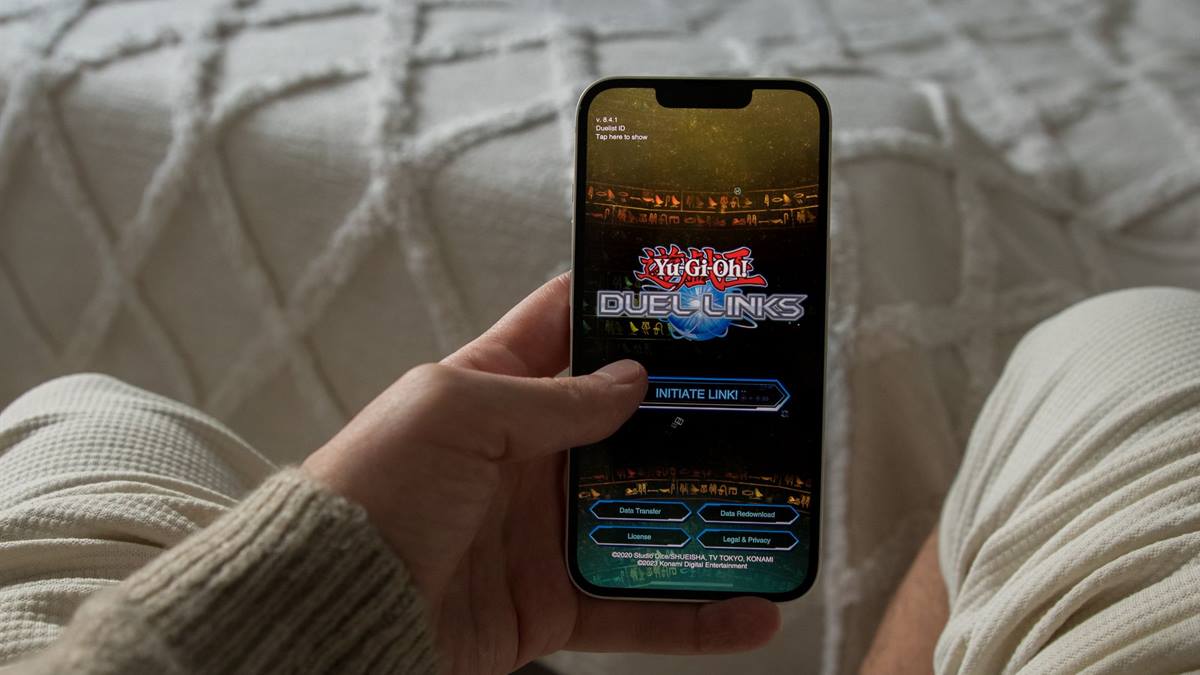
Know what the phone can do
Avoid charging while playing, since charging adds heat. Use a small fan or a clip-on cooler rather than a fridge. Heat is the main reason a phone slows down after fifteen minutes of play.
Manage heat and battery
Never put a phone in a freezer, which causes condensation. Lower the graphics settings or the frame rate if the phone gets hot. Most mobile games are designed around retention, which is why settings and notifications matter.
Before installing another game, check the free storage and the battery health of the phone. Mobile performance problems are usually storage, heat, or background apps rather than a weak processor. Close what you are not using, lower the graphics settings for long sessions, and play with the charger disconnected where possible. A phone that stays cool runs better than one with the settings maxed out. Keep the brightness on automatic outdoors and lower indoors, and note the temperature when a game stutters, because heat explains more than the settings menu.
Turn down the screen brightness, which is a major heat source. A controller or a cooler only helps if the underlying settings are sensible.
Quick settings check
- Remove the case
- Avoid charging mid-game
- Use airflow, not a fridge
- Lower brightness and settings
Tame the settings and the ads
Close background apps that keep the processor busy. Play on a hard surface rather than a bed or a cushion. Account linking is the difference between losing progress and recovering it.
Check whether the phone has a performance mode that raises the heat. Avoid stacking the phone on another warm device.
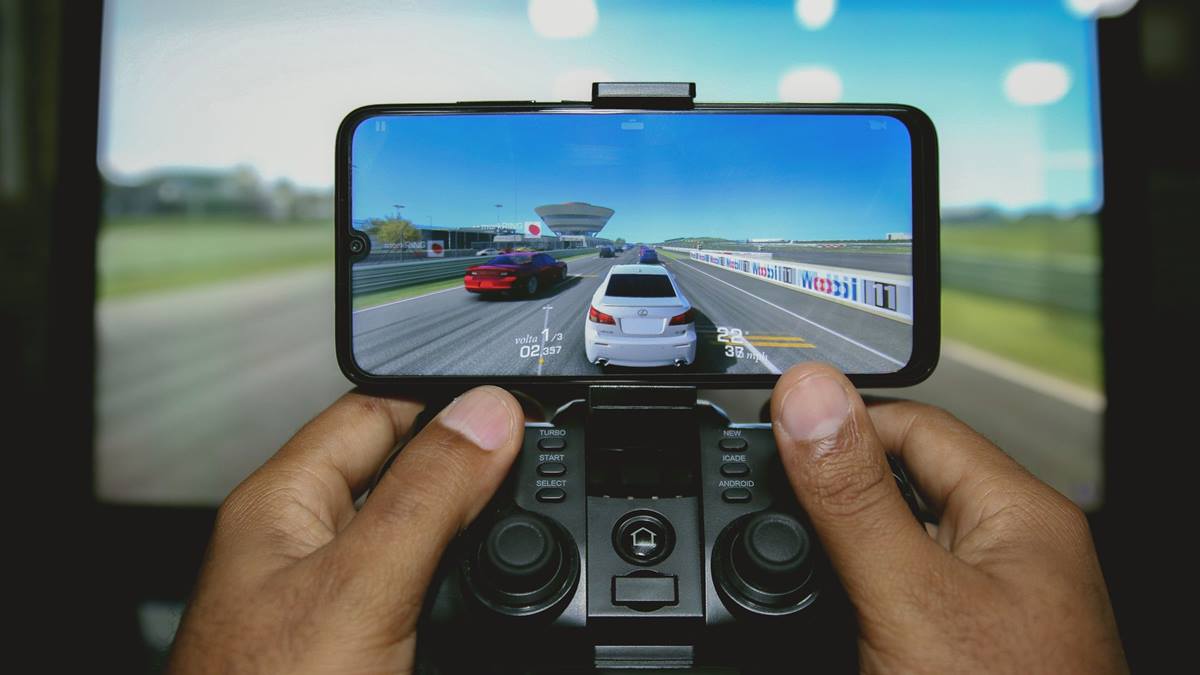
Protect the account and the spending
Take a short break when the phone becomes uncomfortable to hold. Update the phone software, since thermal fixes arrive in updates. Test one change for a few sessions before adding another accessory.
If you decide to spend, set a limit before opening the store and remove the saved payment method when you are done. Link the game account to a service you control, so progress survives a lost phone. Review the installed games every few months and remove the ones you no longer play, because storage and notifications are the two things that make a phone feel old. A phone treated this way lasts through several years of new releases. If a game asks for permissions it does not need, deny them and check whether it still works, because storage and microphone access are rarely required for play. Take a screenshot of the settings that work, so a reset after an update is quick to undo.
Check for a case that blocks the vents or the cooling area. If the phone throttles in every game, the device may be due for replacement. A cool phone holds its frame rate, which matters more than a small boost in settings. If you want the wider picture, read Mobile Game Settings That Matter before you decide.
For the underlying guidance, see the Android performance guidance.
GL / FAQ
Frequently Asked Questions
Why does my phone get hot when gaming?
The processor works hard and the screen adds heat. Charging and a case make it worse.
Does a phone cooler work?
A clip-on fan does help by moving air. Avoid cooling methods that cause condensation.
Is it bad to play while charging?
It adds heat and stresses the battery. Charge between sessions where possible.
Should I lower graphics settings?
If the phone throttles, yes. A steady frame rate feels better than a higher preset.