GL-05GAMING GEAR5 November 20266 MIN
Gaming Mouse Grip Styles and Wrist Strain
Grip style is mostly habit, but shape and desk height decide whether that habit is comfortable at hour three. Start with the wrist.
Grip style is the way your hand holds the mouse, and most players adopt one without thinking about it. The problem is that a grip can suit the hand and fight the desk: a shape that feels right can still produce wrist pain if the surface is too high or the mouse is too heavy.
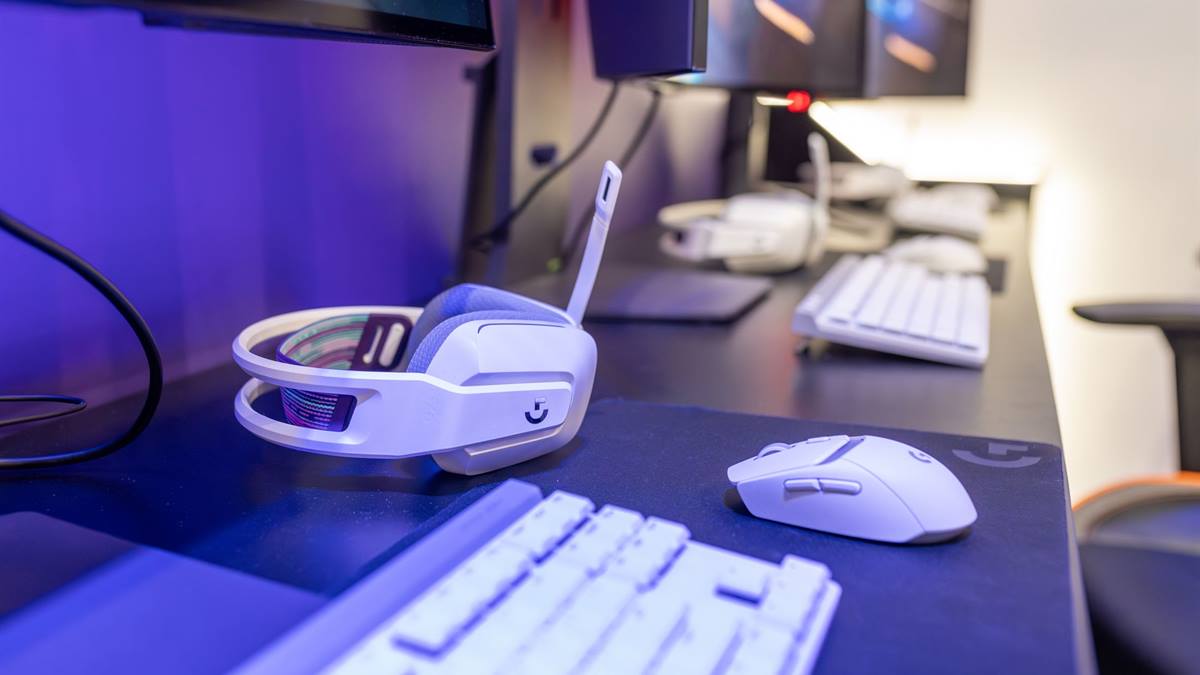
Palm grip
The whole hand rests on the mouse, with the palm supported and fingers flat on the buttons. It is stable and comfortable for long sessions, and it suits larger mice with a high back. Fine aim comes from the wrist and forearm rather than the fingers.
Palm grip is a good default for players who value comfort over micro-precision. A mouse that is too small for the hand forces the palm into a claw, which defeats the point.
Claw grip
The palm touches the back of the mouse while the fingers arch and press down on the buttons. It combines palm stability with finger control, and it suits medium-sized mice with a defined hump.
Claw grip can cause finger fatigue in long sessions because the fingers stay tense. A lighter mouse reduces the effort needed to lift and reposition.
Fingertip grip
- Only the fingertips contact the mouse; the palm is off the surface.
- Best for small, light mice and fast repositioning.
- Highest demand on finger strength and control.
- Suits low sensitivity settings that need arm movement.
- Least stable for players who rest their hand heavily.
Shape follows grip
Measure your hand from the base of the palm to the tip of the middle finger. A mouse that is much shorter than your hand forces a fingertip grip; one that is much longer forces a palm grip. Most players are best served by a mouse that matches their natural grip rather than one that demands a new one.
Symmetrical mice suit claw and fingertip grips; ergonomic right-handed shapes suit palm grip. Weight matters too: heavier mice stabilise palm grip and tire fingertip grip.
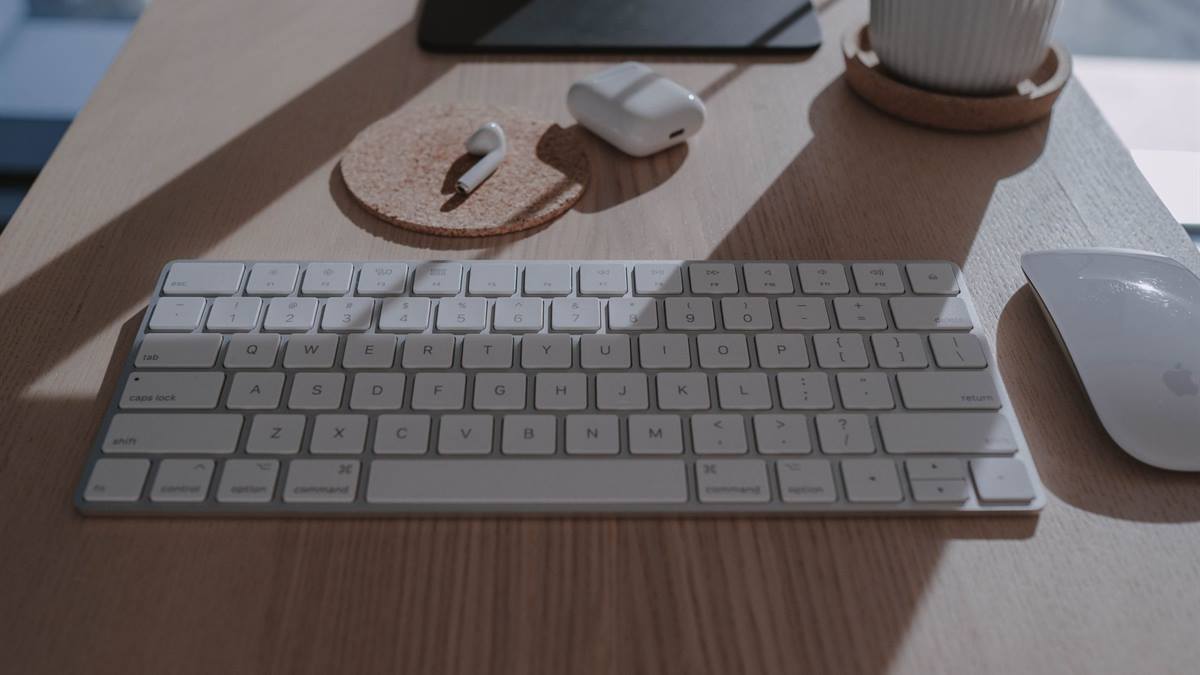
Desk height and wrist position
The most common strain comes from the desk, not the mouse. If the desk is too high, the wrist bends upward; if the chair is too low, the shoulder lifts. Set the chair so the forearm is roughly level with the desk, and keep the wrist straight rather than resting it on a hard edge.
A large desk mat gives the arm room to move from the shoulder, which reduces the small wrist movements that cause fatigue. A wrist rest helps only if it supports the forearm, not if it presses into the wrist.
Buttons and reach
Side buttons should fall under the thumb without moving the hand. If you have to shift your grip to reach them, you will use them less and the grip will drift. For fingertip players, a shorter mouse keeps the buttons closer; palm players can accept a longer shell.
Adjusting without relearning aim
Change one variable at a time: shape, then weight, then sensitivity. Relearning a grip is slow and rarely necessary. The OSHA ergonomics guidance covers workstation setup for repetitive strain generally.
If the headset is the other half of your desk discomfort, the guide to gaming headset fit covers the head and ear side.
GL / FAQ
Frequently Asked Questions
Which mouse grip is best?
The one that matches your hand and desk. Palm grip is comfortable for long sessions, claw grip balances stability and control, and fingertip grip suits light mice and fast movement.
Should I change my grip to improve aim?
Rarely. Grip is mostly habit, and relearning it is slow. Adjust shape, weight, or sensitivity one at a time before changing how you hold the mouse.
Why does my wrist hurt when I play?
Usually desk height or wrist position. Set the chair so the forearm is level with the desk, keep the wrist straight, and use a mat that lets the arm move from the shoulder.
Does mouse weight matter for grip?
Yes. Heavier mice stabilise palm grip and tire fingertip grip. A lighter mouse reduces the effort needed to lift and reposition, especially in claw and fingertip grips.