GL-05GAMING GEAR29 October 20266 MIN
How to Get a Gaming Headset to Fit Properly
A headset that hurts after an hour is the wrong headset. Fit is about clamp force, cup depth, and headband height, not about brand tiers.
Most headset complaints are fit complaints disguised as sound complaints. A pad that presses too hard, a cup that is too shallow, or a headband that sits too low makes the best driver sound bad after an hour. Fit first, then tune.
Clamp force
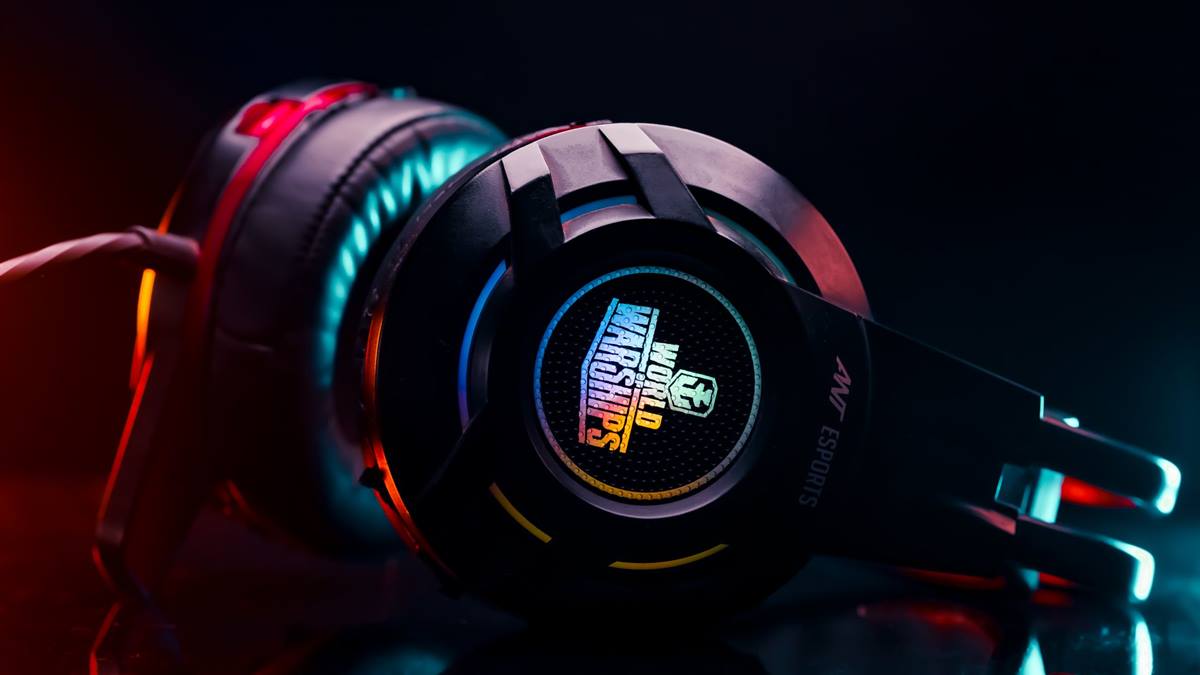
Clamp force is how hard the headset squeezes. Too much causes jaw and temple pressure; too little lets the headset slide. A metal headband can often be gently adjusted, while a plastic one cannot and should be returned if it hurts.
Test clamp without audio: wear the headset for fifteen minutes and check for pressure points at the temples and above the ears. Those points do not improve with break-in as much as sellers claim.
Ear cup depth and shape
Your ear should sit inside the cup, not against the driver. A shallow cup presses the ear flat, which becomes painful and changes the sound. Depth matters more than the advertised pad thickness.
Round pads suit round ears; oval pads suit most people. If your ears touch the inner mesh, the cup is too shallow. Replacement pads with more depth are the cheapest fix on a headset you otherwise like.
Headband and height adjustment
- Extend both sides equally to keep the cups level.
- The headband should rest on the crown, not hang on the ears.
- A suspension strap distributes weight but adds height.
- Check that the mic arm reaches your mouth without pulling.
- Test with the glasses you wear while playing.
Glasses and long sessions
Glasses arms create a pressure point behind the ear that a closed cup amplifies. A deeper pad with softer foam helps, and so does a headset with less clamp. If you wear glasses for every session, test fit with them on, not after.
Weight matters for long sessions. A heavy headset with good pads often hurts more than a light one with average pads, because the load sits in the same place for hours.
Sound and hearing safety
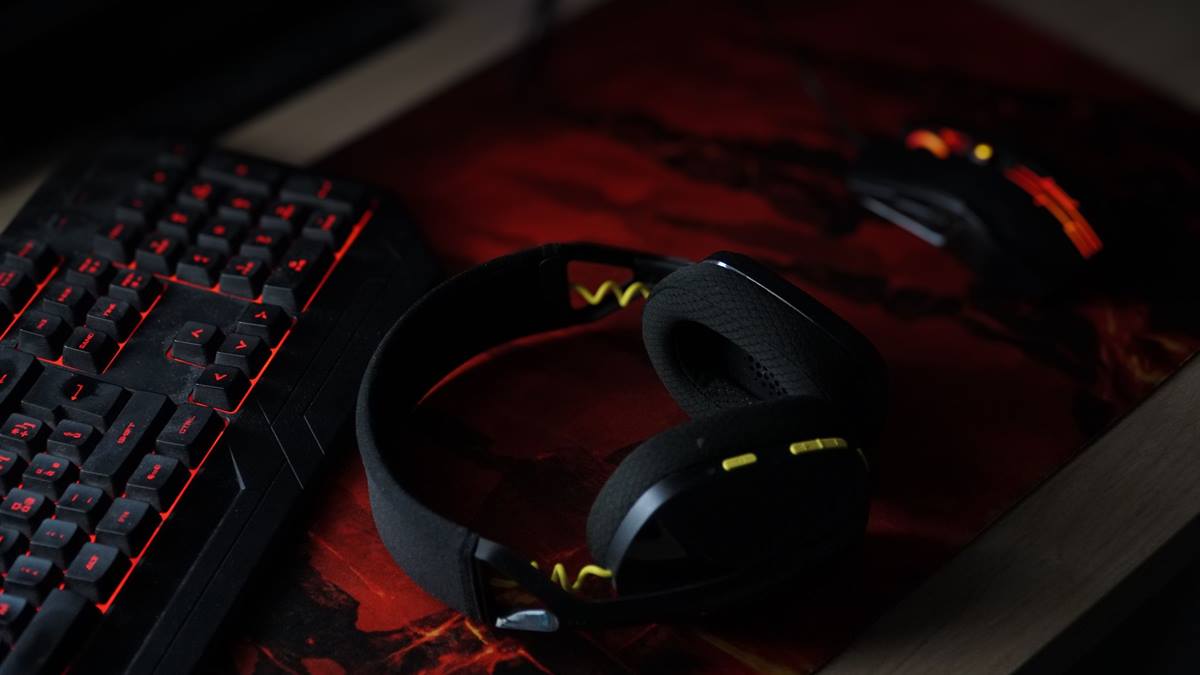
Fit changes what you hear: a poor seal loses bass and encourages higher volume. Once the seal is right, set the volume to a comfortable level and leave it. Long sessions at high volume are a hearing risk regardless of the headset.
Use the microphone monitoring or sidetone feature if the headset has one; hearing your own voice at a natural level reduces the urge to raise the volume. The WHO safe listening guidance explains the volume and duration limits that matter.
Mic and cable habits
A boom mic should sit near the corner of the mouth, not directly in front of it, and the arm should stay where you put it. If the arm droops, the joint is worn and the mic will pick up more room noise. A detachable cable is worth having: it is the part that fails first, and replacing a cable is far cheaper than replacing a headset.
A buying checklist
Check clamp, cup depth, weight, pad material, and replacement pad availability. Buy from a seller with a return window, and test the headset in the first session, not after a month. Comfort is a returnable problem, not something to endure.
If the mouse is the part causing strain, the guide to gaming mouse grip styles covers the hand side of the same problem.
GL / FAQ
Frequently Asked Questions
Why does my headset hurt after an hour?
Usually clamp force or cup depth. Pressure at the temples means too much clamp; pressure on the ears means the cups are too shallow. Test fit without audio to isolate the cause.
Can I use a headset with glasses?
Yes, but the glasses arms create a pressure point. Deeper pads with softer foam and a lower clamp force help. Test the fit while wearing your glasses.
Do replacement ear pads help?
Often. Thicker pads add depth and can reduce clamp pressure. Check that pads are available for your model before buying a headset you have not tried.
Does a better seal improve sound?
Yes. A poor seal loses bass and encourages higher volume. Once the seal is right, set a comfortable level rather than raising it to compensate.