GL-01PC GAMING9 July 20266 MIN
Buying a Used Graphics Card Safely
A used card can be good value, but only if you test it under load and know what it was used for.
Ask what the card was used for, and be cautious about cards from large mining operations. Test the card under load for at least twenty minutes before paying. Start with the resolution and frame rate you actually play at, because every part is chosen around that target.
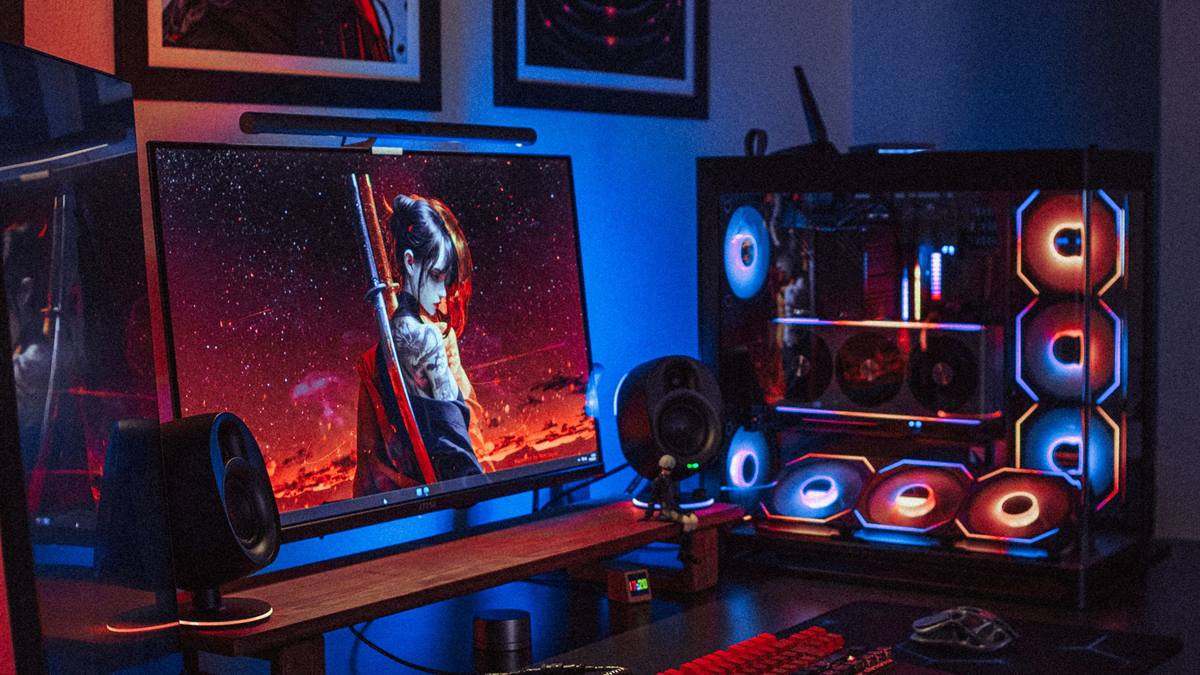
Match the hardware to the screen
Check the temperatures and clock speeds during the test, looking for throttling. Look for physical damage, corrosion, or a repaired cooler. A balanced machine beats one expensive component surrounded by bottlenecks.
Fix the part that limits you
Verify the serial number and check whether the warranty is transferable. Inspect the fans for bearing noise, which is common on older cards. Heat and power delivery decide whether the advertised performance shows up after twenty minutes.
Before opening the case, note the current specification: processor, graphics card, memory, storage, and power supply. Most upgrade plans fail because one of those parts was assumed rather than checked. Run a benchmark you can repeat, write the result down, and change one component at a time. A cheaper part that removes the actual bottleneck is worth more than an expensive part that does not. Buy from a retailer with a clear return policy, and confirm that the part fits the case, the cooler, and the power connectors before the order ships.
Run a benchmark and compare the result with reviews of the same model. Benchmark one change at a time, so you know which part made the difference.
Check before you buy
- Test under load for 20 minutes
- Check temperatures and clocks
- Verify the serial number
- Pay with protection
Watch heat and power
Check the display outputs one at a time, since a dead port is easy to miss. Pay with a method that offers buyer protection where possible. Most upgrade disappointment comes from replacing the wrong component, not from buying a bad one.
Avoid cards sold without photos of the actual item. Check the power connectors for damage or melting.
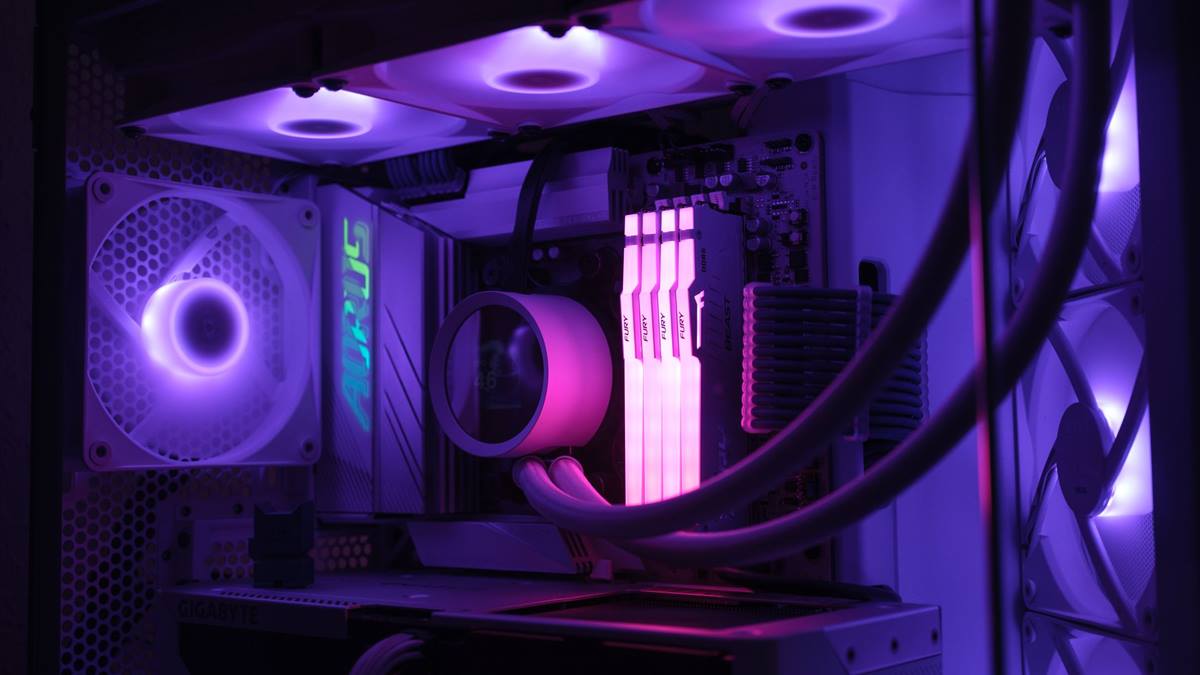
Measure before you upgrade
Ask for the original receipt or proof of purchase. Test the card in a known-good system if you can. Write the current specification down before shopping, because memory is generous about old hardware.
If performance still disappoints, look at the settings before the hardware. Resolution, anti-aliasing, and shadow quality usually cost more frames than any single component can recover. Test a lower setting for one session and note the difference, then decide whether the upgrade is still justified. Keep the receipts and the boxes until the new part has run for a week without problems. If a new part causes instability, restore the old one and test again, because a faulty component can look like a settings problem.
A card that was used for gaming at stock settings is usually fine. Budget for a possible repaste or fan replacement on an older card. A used card with a short warranty and a good test is better than a cheap untested one. If you want the wider picture, read Streaming From One PC Without Losing Frames before you decide.
For the underlying guidance, see the PC Gamer hardware guides.
GL / FAQ
Frequently Asked Questions
Is it safe to buy a used GPU?
Yes with testing and buyer protection. Check the load temperatures, the fans, and the ports.
How do I know if a GPU was used for mining?
You often cannot know for certain. Look for worn fans, a modified firmware, and a seller who avoids testing.
Does a used GPU have a warranty?
Sometimes the remainder is transferable. Ask for the receipt and check the manufacturer policy.
What should I test first?
Load temperatures, fan noise, and every display output. Then run a benchmark.