GL-01PC GAMING8 October 20266 MIN
PC Case Airflow: The Cheapest Performance Fix
Two good fans in the right places beat five fans in the wrong ones. Airflow is about direction, not quantity.
Aim for more intake than exhaust, with a slight positive pressure to reduce dust. Place intake fans at the front or bottom and exhaust at the rear or top. Start with the resolution and frame rate you actually play at, because every part is chosen around that target.

Match the hardware to the screen
Keep the case off carpets and away from walls, so it can draw air. Route cables away from the fans, since a blocked intake reduces cooling more than an extra fan helps. A balanced machine beats one expensive component surrounded by bottlenecks.
Fix the part that limits you
Clean the dust filters monthly in a dusty room, because a clogged filter starves the case. Check the processor cooler orientation so it pushes air towards the exhaust. Heat and power delivery decide whether the advertised performance shows up after twenty minutes.
Before opening the case, note the current specification: processor, graphics card, memory, storage, and power supply. Most upgrade plans fail because one of those parts was assumed rather than checked. Run a benchmark you can repeat, write the result down, and change one component at a time. A cheaper part that removes the actual bottleneck is worth more than an expensive part that does not. Buy from a retailer with a clear return policy, and confirm that the part fits the case, the cooler, and the power connectors before the order ships.
Use the largest fans at low speed rather than small fans at high speed for the same airflow with less noise. Benchmark one change at a time, so you know which part made the difference.
Check before you buy
- More intake than exhaust
- Clean the filters monthly
- Keep cables out of the airflow
- Measure before and after
Watch heat and power
Leave space between the graphics card and the bottom of the case if it draws air from below. Avoid a case with a solid front panel unless it has side intakes. Most upgrade disappointment comes from replacing the wrong component, not from buying a bad one.
Measure temperatures before and after a change, using the same workload. Do not remove all filters for more airflow; the dust cost is higher than the gain.
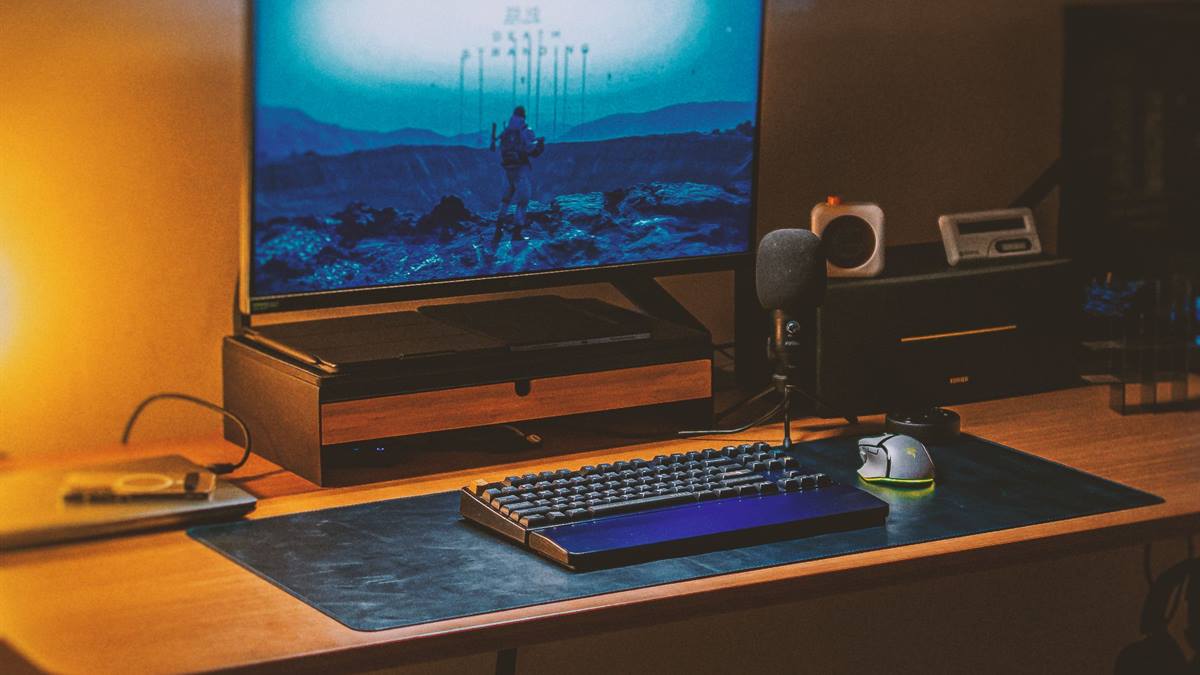
Measure before you upgrade
A mesh front panel usually cools better than a glass one. Keep the room temperature reasonable, since case airflow cannot fix a hot room. Write the current specification down before shopping, because memory is generous about old hardware.
If performance still disappoints, look at the settings before the hardware. Resolution, anti-aliasing, and shadow quality usually cost more frames than any single component can recover. Test a lower setting for one session and note the difference, then decide whether the upgrade is still justified. Keep the receipts and the boxes until the new part has run for a week without problems. If a new part causes instability, restore the old one and test again, because a faulty component can look like a settings problem.
Check the fan curves in the motherboard settings rather than leaving them at default. Replace a failing fan rather than adding another one to compensate. Better airflow often lowers noise as well as temperatures, because fans work less. If you want the wider picture, read Refresh Rate: What You Will Actually Notice before you decide.
For the underlying guidance, see the PC Gamer hardware guides.
GL / FAQ
Frequently Asked Questions
How many case fans do I need?
Two or three well-placed fans usually beat five poorly placed ones. Intake at the front, exhaust at the rear.
Should intake or exhaust be stronger?
Slightly more intake creates positive pressure and reduces dust, though balance matters more than the exact ratio.
Does a glass front panel hurt airflow?
Often yes. Mesh fronts usually cool better, though a well-designed glass case can be fine.
How often should I clean the PC?
Every few months, and monthly for the filters in a dusty home.