GL-01PC GAMING23 July 20265 MIN
Make a Gaming PC Boot Faster
A slow boot is usually a software problem or a failing drive, not a sign that the whole PC is old.
Open the startup settings and disable apps that are not needed at login. Check the boot time in the task manager before changing anything. Start with the resolution and frame rate you actually play at, because every part is chosen around that target.
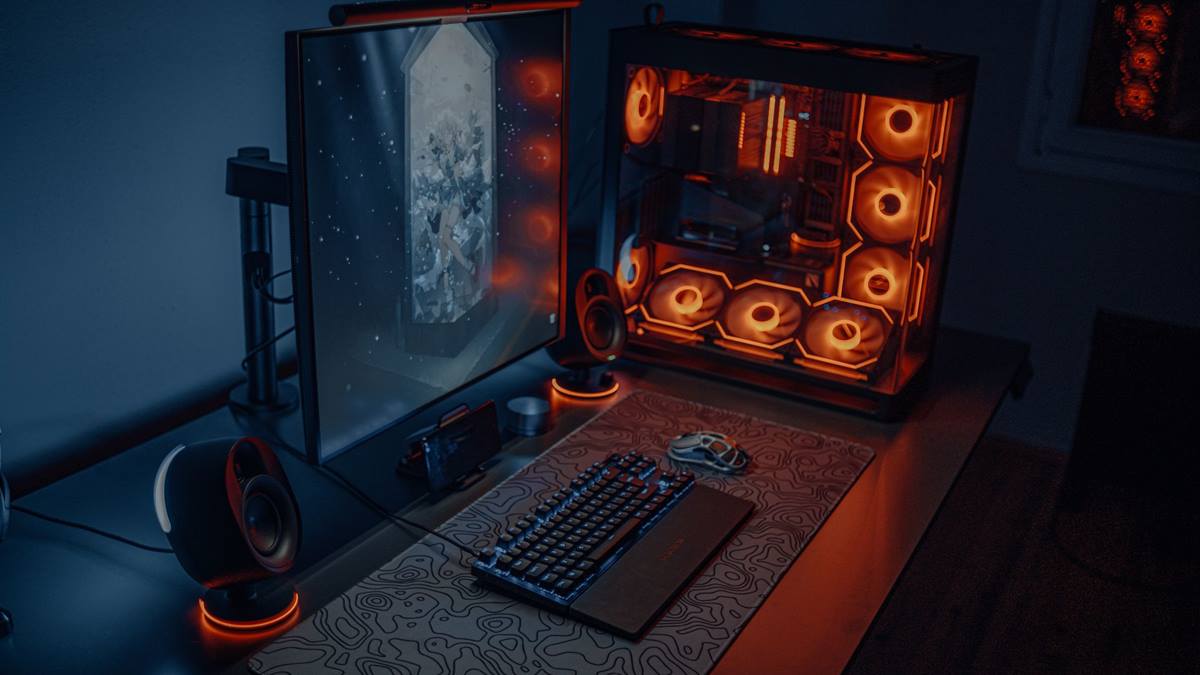
Match the hardware to the screen
Enable fast startup if the option exists, though it can cause issues on some systems. Update the firmware and the chipset drivers from the motherboard manufacturer. A balanced machine beats one expensive component surrounded by bottlenecks.
Fix the part that limits you
Check the drive health, since a failing drive slows the whole system. Disconnect unused USB devices, which can add to the boot check. Heat and power delivery decide whether the advertised performance shows up after twenty minutes.
Before opening the case, note the current specification: processor, graphics card, memory, storage, and power supply. Most upgrade plans fail because one of those parts was assumed rather than checked. Run a benchmark you can repeat, write the result down, and change one component at a time. A cheaper part that removes the actual bottleneck is worth more than an expensive part that does not. Buy from a retailer with a clear return policy, and confirm that the part fits the case, the cooler, and the power connectors before the order ships.
Set the correct boot order in the firmware, so the system does not search every device. Benchmark one change at a time, so you know which part made the difference.
Check before you buy
- Measure the boot time first
- Disable unneeded startup apps
- Check the drive health
- Update the firmware
Watch heat and power
Remove unused programs, which reduce background services. Run a malware scan if the slowdown appeared suddenly. Most upgrade disappointment comes from replacing the wrong component, not from buying a bad one.
Keep the system drive with free space. Avoid third-party boot optimisers, which often disable useful services.
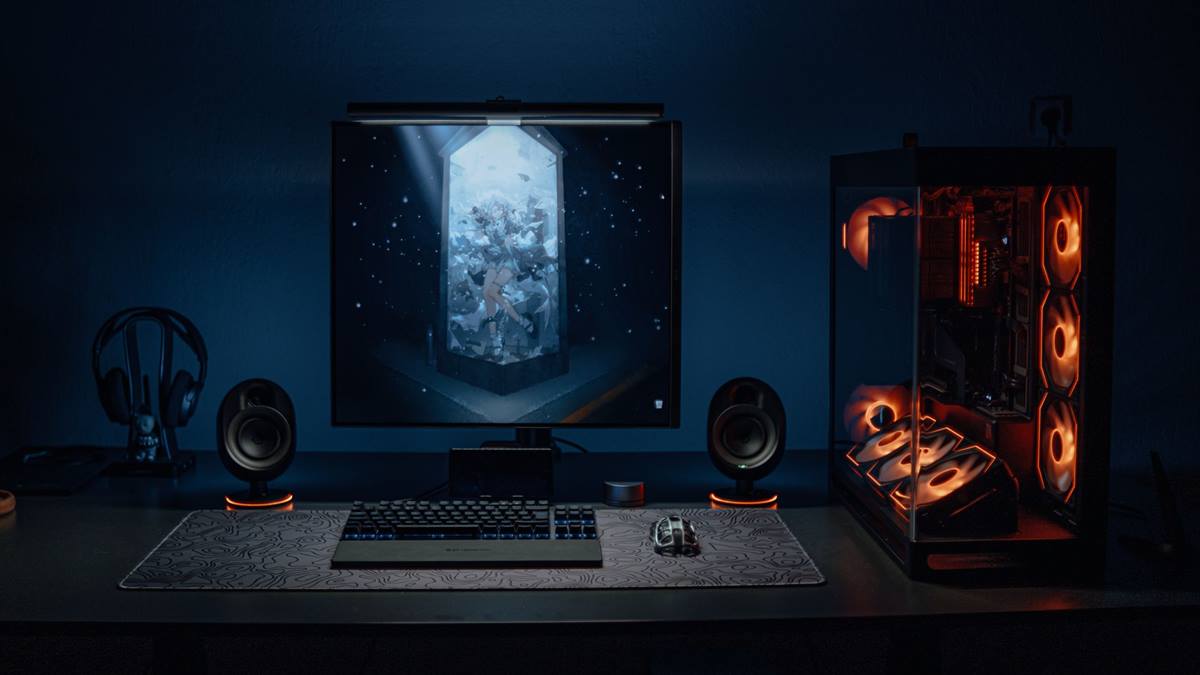
Measure before you upgrade
Check whether the operating system is waiting for a network drive or a mapped folder. A clean install can help on an old system, but back up first. Write the current specification down before shopping, because memory is generous about old hardware.
If performance still disappoints, look at the settings before the hardware. Resolution, anti-aliasing, and shadow quality usually cost more frames than any single component can recover. Test a lower setting for one session and note the difference, then decide whether the upgrade is still justified. Keep the receipts and the boxes until the new part has run for a week without problems. If a new part causes instability, restore the old one and test again, because a faulty component can look like a settings problem.
Measure the boot time again after each change, so you know what worked. Do not disable security software to gain a few seconds. A fast boot comes from fewer startup tasks and a healthy drive. If you want the wider picture, read Fan Curves: Quieter Cooling Without Overheating before you decide.
For the underlying guidance, see the PC Gamer hardware guides.
GL / FAQ
Frequently Asked Questions
Why is my PC slow to boot?
Usually startup apps, a failing drive, or a pending update. Check the boot time report first.
Is fast startup safe?
Usually, but it can cause issues with dual boot and some drivers. Disable it if problems appear.
Does an SSD improve boot time?
Yes, significantly over a hard drive. Most modern PCs already have one.
Should I disable antivirus at startup?
No. Security matters more than a few seconds of boot time.