GL-01PC GAMING1 October 20265 MIN
Refresh Rate: What You Will Actually Notice
A higher refresh rate makes motion clearer, but only if the graphics card can produce the frames.
Moving from 60Hz to 144Hz is the most noticeable display upgrade for most players. Beyond 144Hz the improvement is smaller and depends on the game and the player. Start with the resolution and frame rate you actually play at, because every part is chosen around that target.
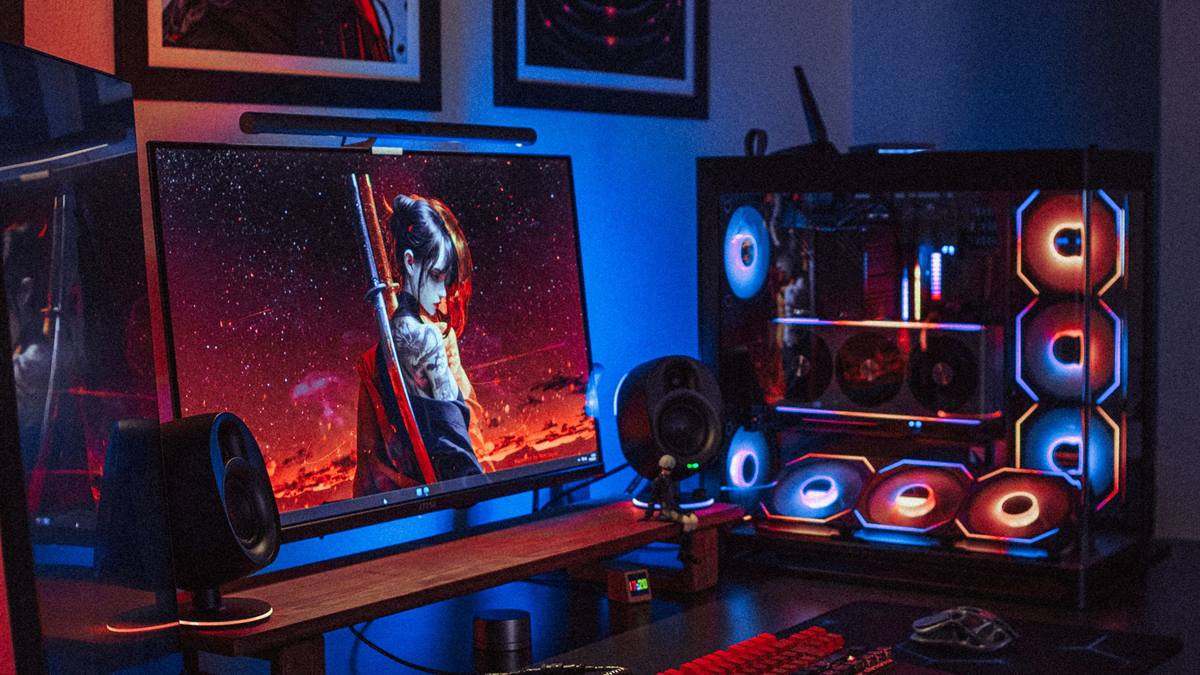
Match the hardware to the screen
The graphics card must produce frames at least as fast as the refresh rate to benefit fully. Check whether the cable and port support the refresh rate, since HDMI versions differ. A balanced machine beats one expensive component surrounded by bottlenecks.
Fix the part that limits you
Enable the high refresh rate in the operating system, as it is often set to 60Hz by default. Adaptive sync reduces tearing and stutter when the frame rate fluctuates. Heat and power delivery decide whether the advertised performance shows up after twenty minutes.
Before opening the case, note the current specification: processor, graphics card, memory, storage, and power supply. Most upgrade plans fail because one of those parts was assumed rather than checked. Run a benchmark you can repeat, write the result down, and change one component at a time. A cheaper part that removes the actual bottleneck is worth more than an expensive part that does not. Buy from a retailer with a clear return policy, and confirm that the part fits the case, the cooler, and the power connectors before the order ships.
Response time and panel type affect motion clarity alongside refresh rate. Benchmark one change at a time, so you know which part made the difference.
Check before you buy
- 60Hz to 144Hz is the big jump
- Enable it in the OS
- Check the cable and port
- Match the card to the panel
Watch heat and power
Competitive shooters benefit most, while slower games benefit less. A high refresh rate screen with poor colour may be worse for single-player games than a slower, better panel. Most upgrade disappointment comes from replacing the wrong component, not from buying a bad one.
Check the resolution the panel can sustain at the rated refresh rate. Test with a frame rate counter before and after, rather than relying on the feeling.
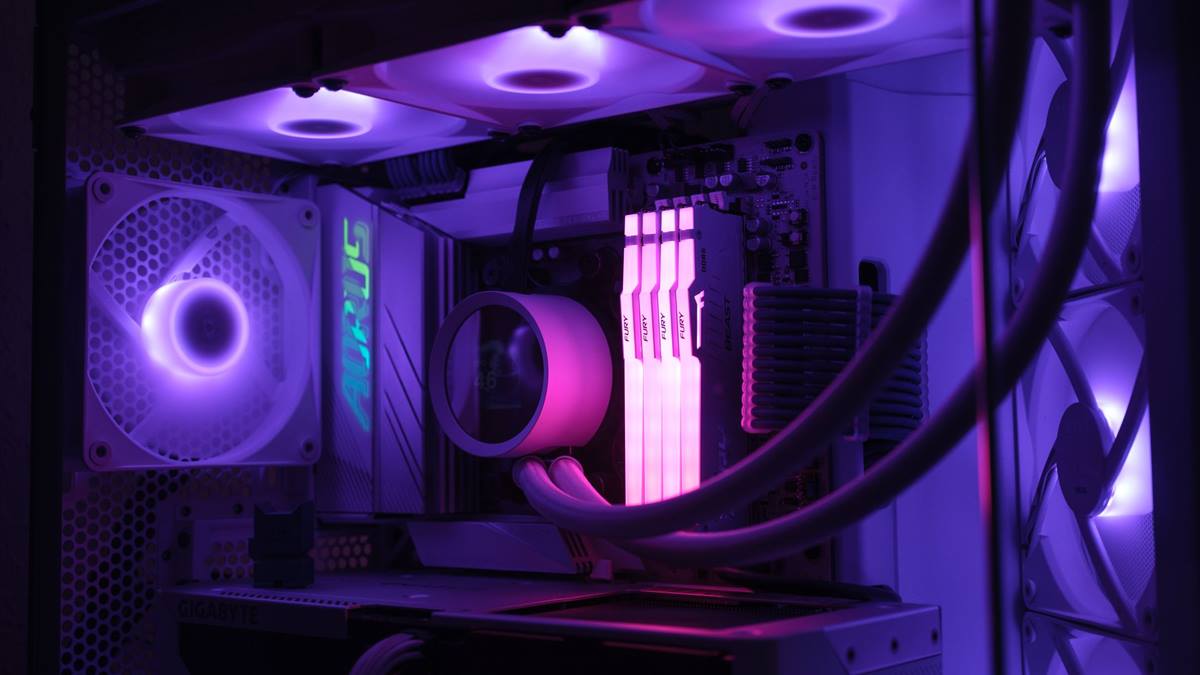
Measure before you upgrade
Do not buy a high refresh screen for a machine that cannot drive it. Higher refresh rates use more power and can produce more heat in a laptop. Write the current specification down before shopping, because memory is generous about old hardware.
If performance still disappoints, look at the settings before the hardware. Resolution, anti-aliasing, and shadow quality usually cost more frames than any single component can recover. Test a lower setting for one session and note the difference, then decide whether the upgrade is still justified. Keep the receipts and the boxes until the new part has run for a week without problems. If a new part causes instability, restore the old one and test again, because a faulty component can look like a settings problem.
A second screen with a lower rate can cause stutter on some systems, so match the refresh rates where possible. The best refresh rate is the one your card can feed consistently. A steady 90 frames beats an unstable 144. If you want the wider picture, read A PC Cleaning Routine That Prevents Problems before you decide.
For the underlying guidance, see the PC Gamer hardware guides.
GL / FAQ
Frequently Asked Questions
Is 144Hz worth it?
Yes for most players, especially in fast games. The improvement over 60Hz is immediately noticeable.
Do I need 240Hz?
Only for competitive play where every frame matters. Most players are better served by a stable 144Hz.
Why is my monitor stuck at 60Hz?
The refresh rate is set in the display settings, and the cable or port may not support higher rates.
Does refresh rate affect input lag?
It reduces the time between frames, which helps responsiveness, especially in fast games.