GL-01PC GAMING10 September 20266 MIN
Building a Budget Gaming PC in 2026
A budget build works when no single part is far ahead of the others. Balance beats a flagship component.
Set the total budget before choosing parts, including the operating system and any peripherals. Choose the graphics card and processor together, so neither is far ahead of the other. Start with the resolution and frame rate you actually play at, because every part is chosen around that target.
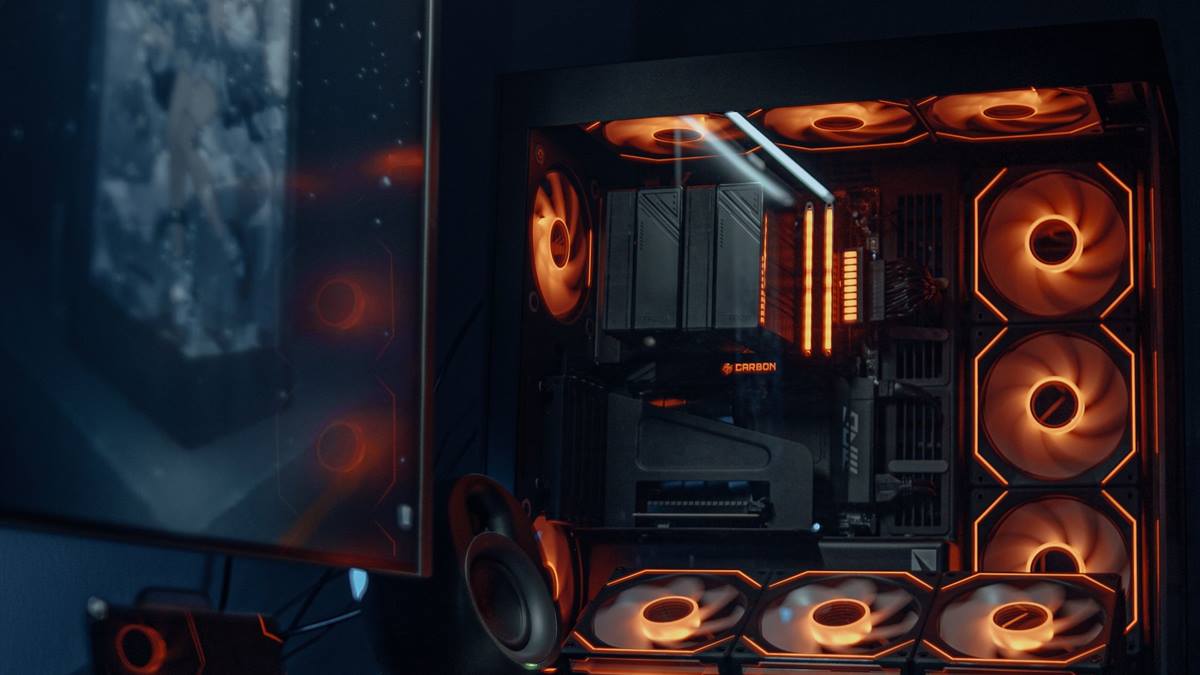
Match the hardware to the screen
Sixteen gigabytes of memory is the sensible baseline for modern games. A one terabyte SSD is the practical minimum, since games are large. A balanced machine beats one expensive component surrounded by bottlenecks.
Fix the part that limits you
Do not save on the power supply, because a cheap unit can damage every other part. A case with a mesh front and two fans costs little and cools well. Heat and power delivery decide whether the advertised performance shows up after twenty minutes.
Before opening the case, note the current specification: processor, graphics card, memory, storage, and power supply. Most upgrade plans fail because one of those parts was assumed rather than checked. Run a benchmark you can repeat, write the result down, and change one component at a time. A cheaper part that removes the actual bottleneck is worth more than an expensive part that does not. Buy from a retailer with a clear return policy, and confirm that the part fits the case, the cooler, and the power connectors before the order ships.
A basic motherboard is fine if it has the ports and memory slots you need. Benchmark one change at a time, so you know which part made the difference.
Check before you buy
- Set the total budget first
- Balance the card and processor
- Buy a reliable power supply
- Leave room for upgrades
Watch heat and power
Skip the expensive cooler if the processor includes a adequate stock cooler. Buy last-generation parts where the discount is large and the performance gap is small. Most upgrade disappointment comes from replacing the wrong component, not from buying a bad one.
Check the total wattage with a power supply calculator before ordering. Leave room for a future graphics card upgrade in the power supply and case.
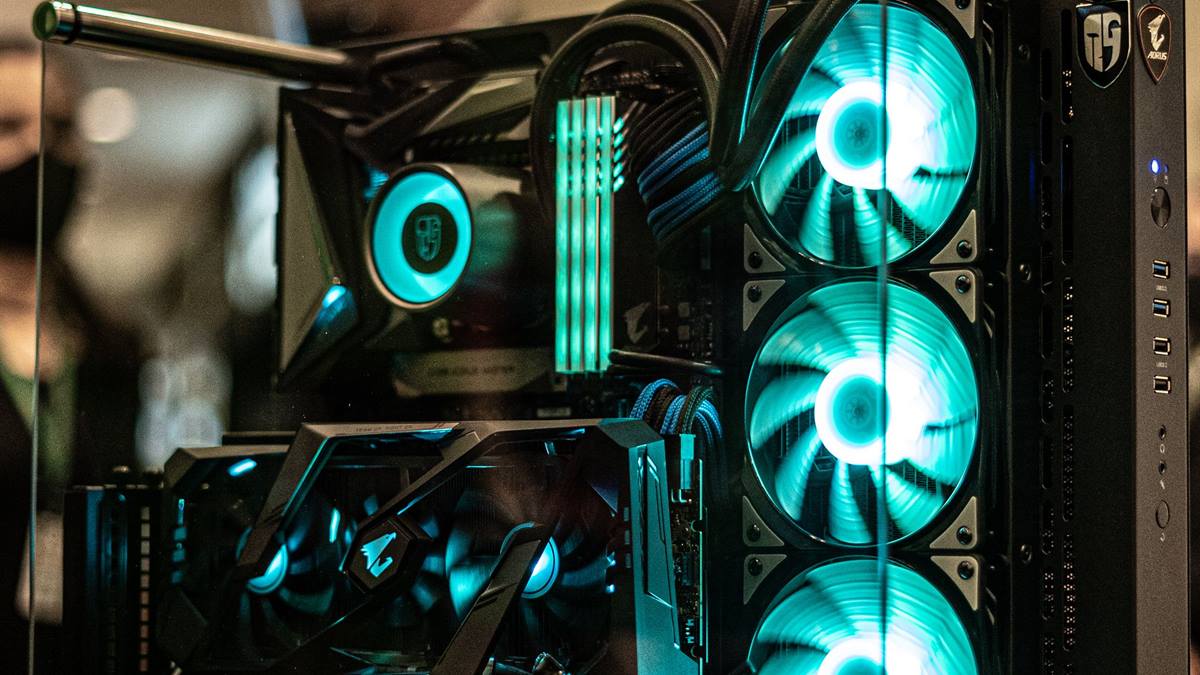
Measure before you upgrade
Avoid RGB and tempered glass if they take budget from performance. Check the return policy on the graphics card, which is the most expensive single part. Write the current specification down before shopping, because memory is generous about old hardware.
If performance still disappoints, look at the settings before the hardware. Resolution, anti-aliasing, and shadow quality usually cost more frames than any single component can recover. Test a lower setting for one session and note the difference, then decide whether the upgrade is still justified. Keep the receipts and the boxes until the new part has run for a week without problems. If a new part causes instability, restore the old one and test again, because a faulty component can look like a settings problem.
Assemble on a table, not on carpet, and read the motherboard manual. Test with one game and a benchmark before adding anything else. A balanced budget build outperforms an unbalanced expensive one in real games. If you want the wider picture, read Choosing a Gaming Processor before you decide.
For the underlying guidance, see the PC Gamer hardware guides.
GL / FAQ
Frequently Asked Questions
How much does a budget gaming PC cost?
It depends on the market, but a balanced entry build costs less than a flagship graphics card alone.
Can I build a PC with no experience?
Yes. Read the manual, work slowly, and follow a video for the case and cooler.
Is 16GB of RAM enough?
For most games, yes. More helps with heavy multitasking and some simulation games.
Should I buy a prebuilt instead?
Prebuilts are convenient, but check the power supply and the exact card model, which are often cut corners.