GL-01PC GAMING3 September 20268 MIN
A Budget Gaming PC Build That Stays Useful
A budget build is a set of targets before it is a parts list. Pick the resolution and frame rate, then let the GPU decide the rest of the budget.
Most budget build arguments are really arguments about targets. Two people can spend the same money and get very different machines because one is building for 1080p at 60 frames per second and the other is quietly hoping for 1440p at 144. Write the target down first, then buy parts that hit it with some headroom.
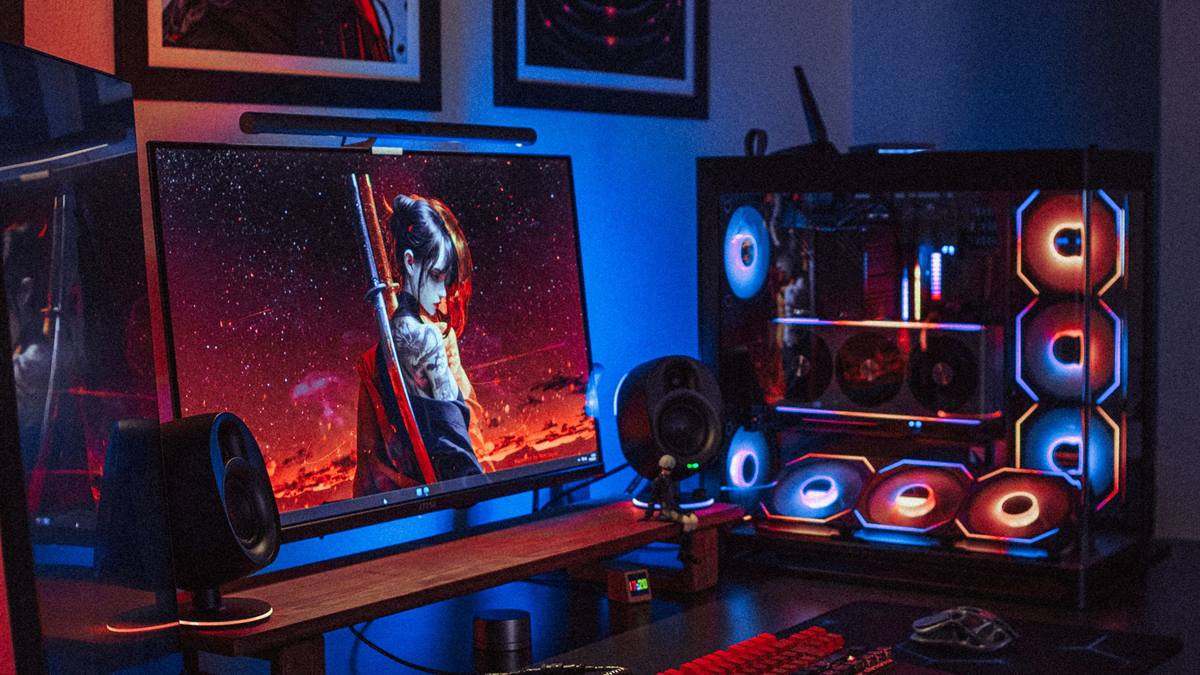
Set the target before the parts list
Resolution and refresh rate decide almost everything. 1080p at 60 to 75 Hz is the cheapest sensible target and the easiest to hit with a mid-range card. 1080p at 144 Hz asks more of the processor and the memory. 1440p pushes the budget into the graphics card and stays there.
Pick the monitor you already own, or the one you are buying, and build backwards from it. A fast machine feeding a 60 Hz screen wastes frames; a modest machine feeding a 1440p screen struggles in every demanding title.
Spend on the graphics card first
For gaming, the GPU sets the ceiling. Buy the best card your budget allows at the resolution you chose, then fit the rest of the system around it. A slightly older processor with a better card beats a premium processor with a weak card in almost every game.
Check the card length against the case and the power connectors against the supply before you order. A card that does not fit is not a bargain, and a card that needs two eight-pin connectors will not run on a supply that has one.
Where not to save
- Power supply: buy a known-brand unit with a real efficiency rating and enough headroom.
- Case airflow: a cheap case with one fan turns a good build into a hot one.
- Storage: a small NVMe drive for the system and games beats a large slow drive.
- Memory: two matched sticks in dual channel, not one large stick.
- Cooling: the stock cooler is fine at this tier, but the case must move air.
Processor and memory pairing
At 1080p high refresh, the processor matters more than at 1440p, because the GPU finishes frames faster and waits on the CPU. A modern six-core chip covers most builds. Sixteen gigabytes of memory is the practical floor for gaming today; thirty-two is cheap insurance if you also stream or keep many tabs open.
Buy memory in a matched pair and enable the memory profile in the firmware so it runs at its rated speed. A fast kit running at default speed is money left on the table.
Assembly order that avoids rework
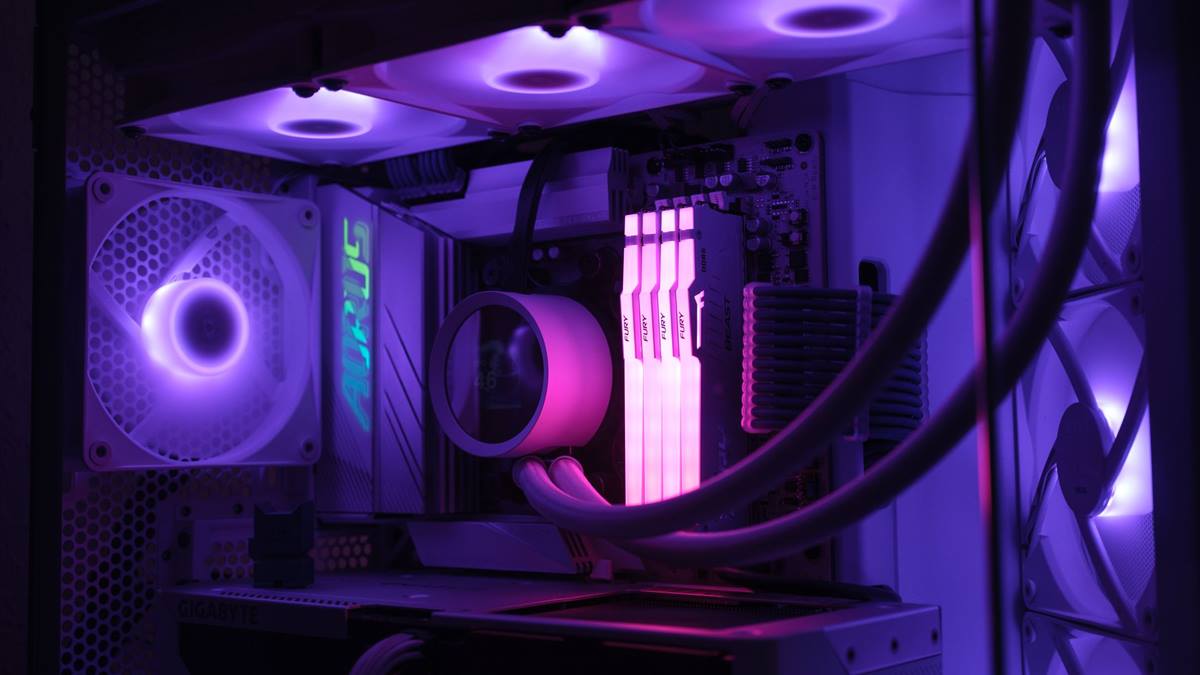
Build outside the case where you can: mount the processor, cooler, and memory on the board first, then fit the board. Connect the front panel headers before the graphics card goes in, because the card blocks the reach. Cable-manage as you go rather than after everything is screwed down.
First boot with the minimum: board, one stick of memory, processor with cooler, and power. Add the graphics card, then storage. If it does not post, you have fewer variables to test.
Upgrade path and the honest ceiling
Buy a board with room for one more storage drive and a supply with headroom for a bigger card later. The Intel build guide covers the physical steps and connector checks in detail.
When the machine starts to feel slow, the next decision is usually the GPU. The guide to gaming PC upgrade order explains which part to replace first and how to avoid spending twice.
GL / FAQ
Frequently Asked Questions
How much should I spend on a budget gaming PC?
Decide by target, not by a single number. A 1080p 60 Hz build costs far less than a 1440p high refresh build. Spend the largest share on the graphics card and keep the power supply and case adequate.
Is 16 GB of RAM enough for gaming?
Yes for most games at 1080p. Thirty-two gigabytes helps if you stream, run many background apps, or play titles that recommend more. Buy two matched sticks for dual channel.
Can I use a used graphics card?
Yes, with checks. Verify the card works under load, inspect for mining wear and fan noise, confirm the model and memory size, and prefer a seller with a return window.
Do I need a liquid cooler for a budget build?
No. A stock or budget tower cooler handles mainstream gaming processors. Spend the difference on case airflow, which affects every component.