GL-02CONSOLE GAMING17 September 20267 MIN
Console Storage Management Without Deleting the Wrong Game
A full console is usually full of things you did not choose: captures, updates, and installed add-ons. Clear those before you delete a game you still play.
Storage warnings arrive at the worst time, usually halfway through an update. The instinct is to delete a game, but the space is often taken by things you never chose: video captures, screenshots, installed add-ons, and multiple versions of the same title. Clear those first and the drive may have more room than the menu suggests.
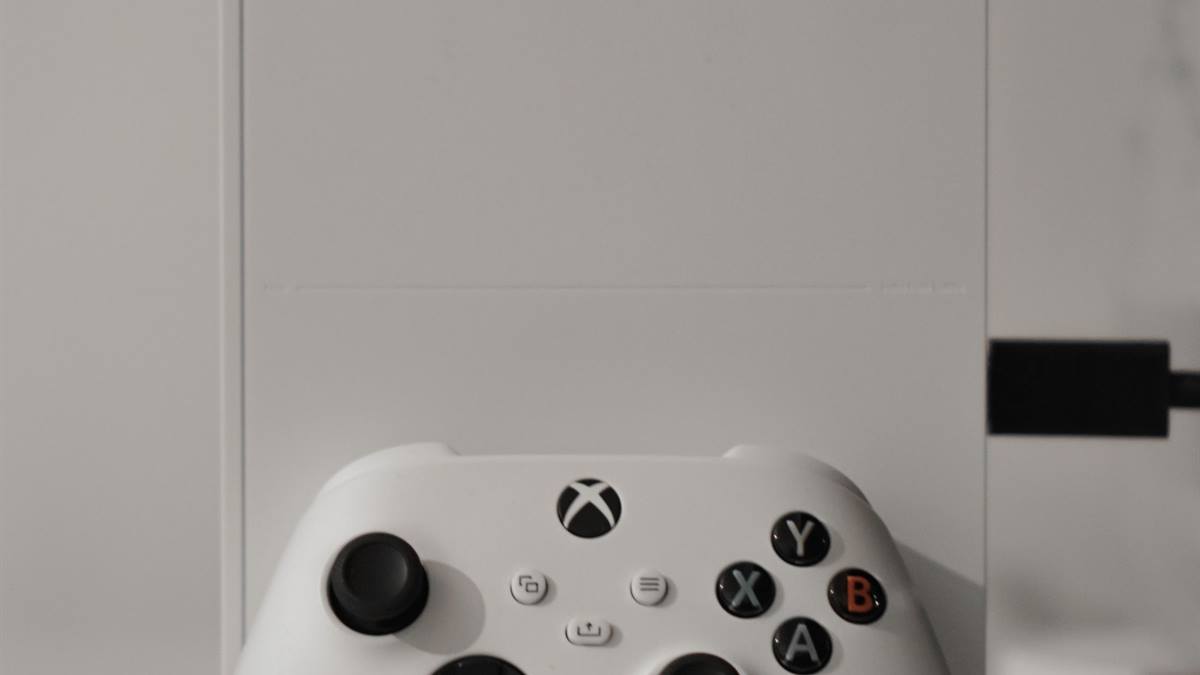
Find out what is actually using the space
Both major consoles show a storage breakdown by game and by media. Open it before deleting anything. A single large title with an add-on pack can occupy more than several smaller games combined, and a folder of captures can quietly reach tens of gigabytes.
Sort by size and look at the largest items first, but also check the media gallery. Auto-capture settings record clips at a resolution and length that add up fast, and most households never review them.
Delete in the right order
- Captures and screenshots you have never opened.
- Games you finished and do not intend to replay.
- Add-on packs for games you are not currently playing.
- Beta clients and duplicate installs of the same title.
- Games you can re-download quickly on a fast connection.
Deleting a game does not delete its save data on either platform, provided the saves are synced to the cloud or kept on the console. Check the sync status before removing a title you care about.
Move instead of delete
Both consoles can move games to a compatible external drive and play some of them directly from it. The rules differ by platform and by whether the game is built for the current generation. A current-generation title often must live on the internal drive to run, but it can be stored externally to avoid re-downloading later.
An external solid state drive is the cheapest way to add room without opening the console. A mechanical drive works for storing last-generation titles, but load times suffer. Match the drive to what you actually play.
Internal expansion and its limits
One platform accepts a standard internal solid state drive that meets a minimum speed specification, and the other uses a proprietary expansion card. Check the official requirements before buying; a drive that is fast enough for a computer may not be accepted by the console.
Installing internal storage is a physical job with warranty implications. Follow the manufacturer instructions exactly, and back up what you can before you start.
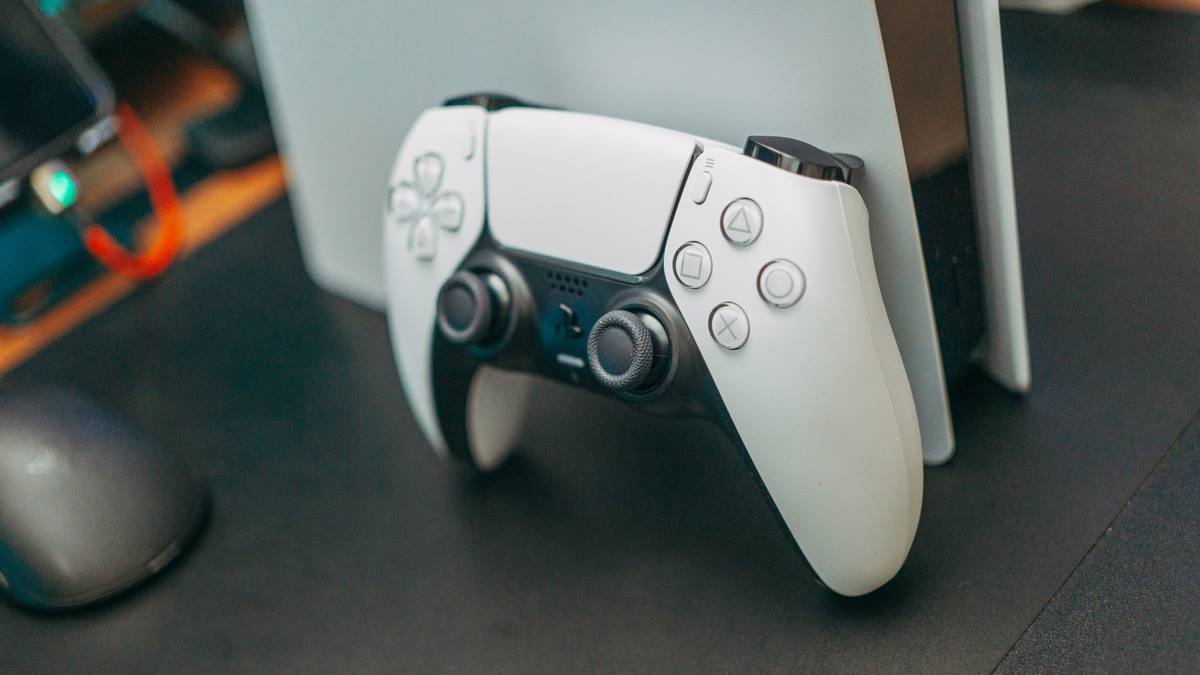
Settings that fill the drive by themselves
Auto-updates, auto-captures, and automatic add-on installation are the usual culprits. Turn off automatic capture of every achievement or kill, and set updates to install only for games you actually play. Many households also keep multiple user profiles that each hold their own captures.
Check whether the console is keeping previous versions of games for quick resume. Those versions take space and are invisible in the main list.
A monthly five-minute routine
Once a month, open the storage screen, sort by size, clear captures, and remove one or two games you have finished. That habit prevents the panic update. The PlayStation storage guidance covers the official expansion requirements for that platform.
If the controller is the part that is failing rather than the drive, the guide to controller drift covers the diagnosis and the realistic repair options.
GL / FAQ
Frequently Asked Questions
Does deleting a game delete my save file?
Usually not. Saves are stored separately and often synced to the cloud. Check that cloud sync is active before deleting, and re-download the game later to confirm the save is present.
Can I play games from an external drive?
It depends on the platform and the game. Many last-generation titles run from a compatible external drive, while current-generation titles often must run from internal storage but can be stored externally.
Why is my console storage full when I own few games?
Captures, add-on packs, beta clients, previous game versions, and multiple profiles all consume space. Check the media gallery and the add-on list before deleting games.
Do I need the fastest internal SSD for a console?
The console specifies a minimum speed and form factor. A drive that is fast enough for a computer may not be accepted. Use the official requirements and a drive on the supported list.