GL-02CONSOLE GAMING1 August 20265 MIN
Give Your Console Space to Breathe
A console in a sealed cabinet is louder and hotter than one with ten centimetres of clear air around it.
Leave at least ten centimetres of clear space around the vents. Avoid closed cabinets unless they have open backs and good airflow. Most console problems are solved in the system menu before any hardware is replaced.
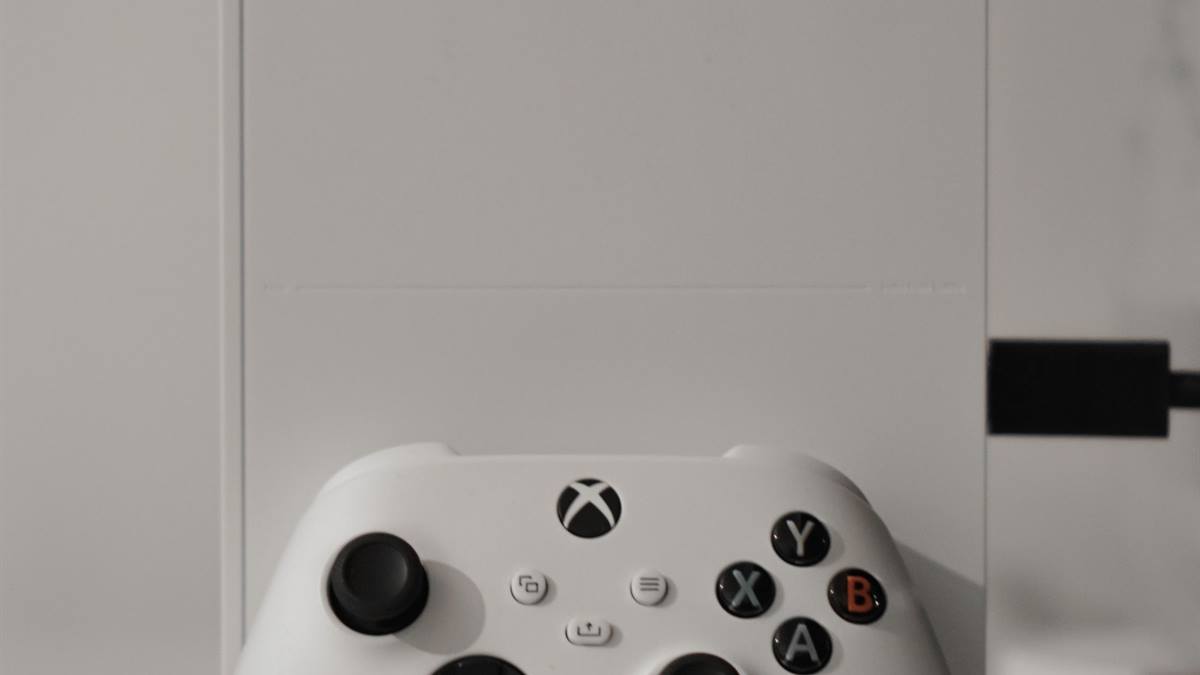
Start with the settings
Keep the console off carpet and soft furnishings, which block the intakes. Place it away from radiators, speakers, and other heat sources. Storage and network settings cause more frustration than the games themselves.
Check the storage and the connection
Check the intake and exhaust directions, which differ between models. Do not stack other devices on top of the console. A console in a closed cabinet runs hotter and louder than one with clear airflow.
Before buying an accessory, check what the console already includes and what the game actually supports. Many problems described as hardware faults are settings, cables, or storage limits. Read the system menu carefully, test with a second cable or controller where possible, and note the current software version. A five-minute check in the settings often saves a return and a week without the console. Most consoles also report the current resolution and refresh rate, which is the quickest way to spot a cable or a port that is limiting the picture.
Keep the back of the cabinet open so hot air can escape. Account security matters more than most players expect, especially with saved payment methods.
Before you change anything
- Ten centimetres of clear space
- Avoid closed cabinets
- Keep it off carpet
- Open the back of the cabinet
Give the console room to breathe
Clean the vents regularly, since dust reduces airflow. If the console is in a cabinet, consider a small fan to move air. A controller that disconnects is usually a pairing or power problem, not a broken device.
Keep the room temperature reasonable during long sessions. Watch for overheating warnings and shutdowns, which mean the placement is wrong.
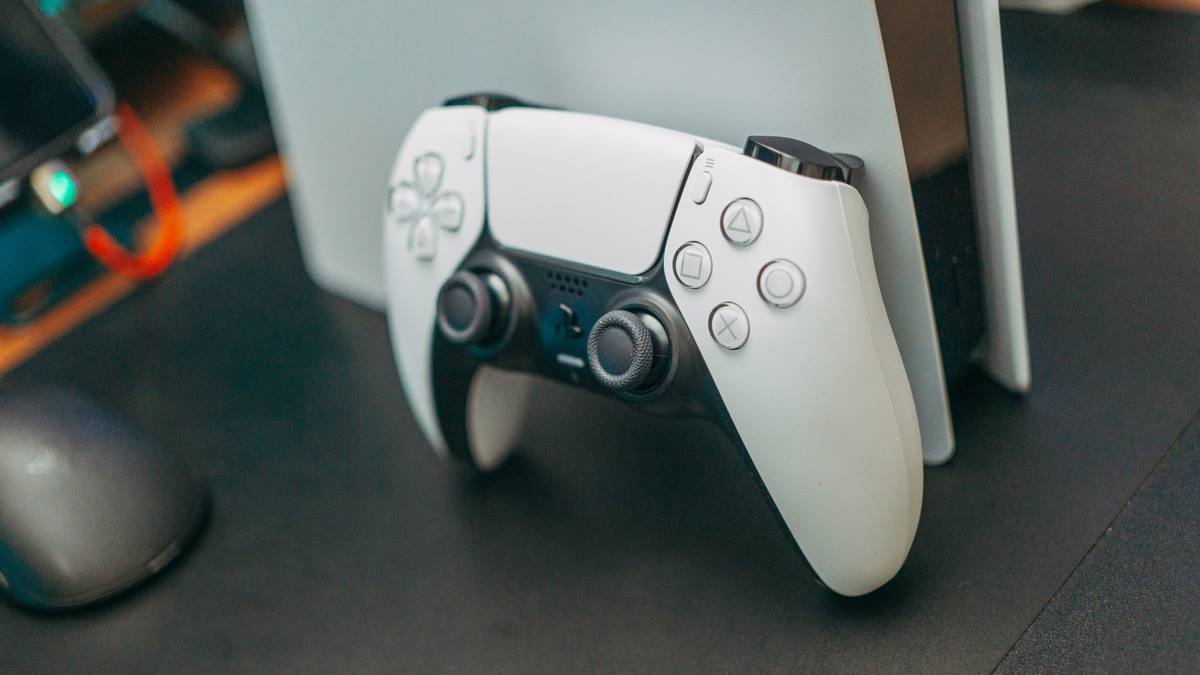
Keep the account secure
Move the console rather than adding external coolers of unknown quality. Avoid placing it where sunlight hits it directly. Test one change at a time, then play for an hour before deciding it worked.
If the problem persists, reset only the affected setting rather than the whole console. Back up saves before any reset, and keep the account password and recovery codes somewhere offline. Give the console clear space and clean the vents gently with the power off. When something does need replacing, check the warranty first, because consoles are usually covered longer than people assume. Keep the receipt and the serial number in a note, since warranty claims ask for both, and set updates to run in standby so security patches do not wait for the next session. Write the new password in a password manager rather than a note beside the console, and check the signed-in devices once a month, since an old session is easy to forget and hard to notice.
Check the space behind the TV, which is often tighter than it looks. Listen for the fan ramping up, which is an early sign of poor airflow. Good placement costs nothing and prevents most heat problems. If you want the wider picture, read Fix a Controller That Keeps Disconnecting before you decide.
For the underlying guidance, see the Xbox support.
GL / FAQ
Frequently Asked Questions
How much space does a console need?
At least ten centimetres around the vents, with an open path for hot air to escape.
Can a console go in a TV cabinet?
Yes if the cabinet is open at the back and has enough airflow. Closed cabinets cause overheating.
Does a console need a cooling fan?
Usually not. Correct placement is more effective than external coolers.
Why does my console fan get loud?
Heat, dust, or a demanding game. Improve the airflow and clean the vents first.